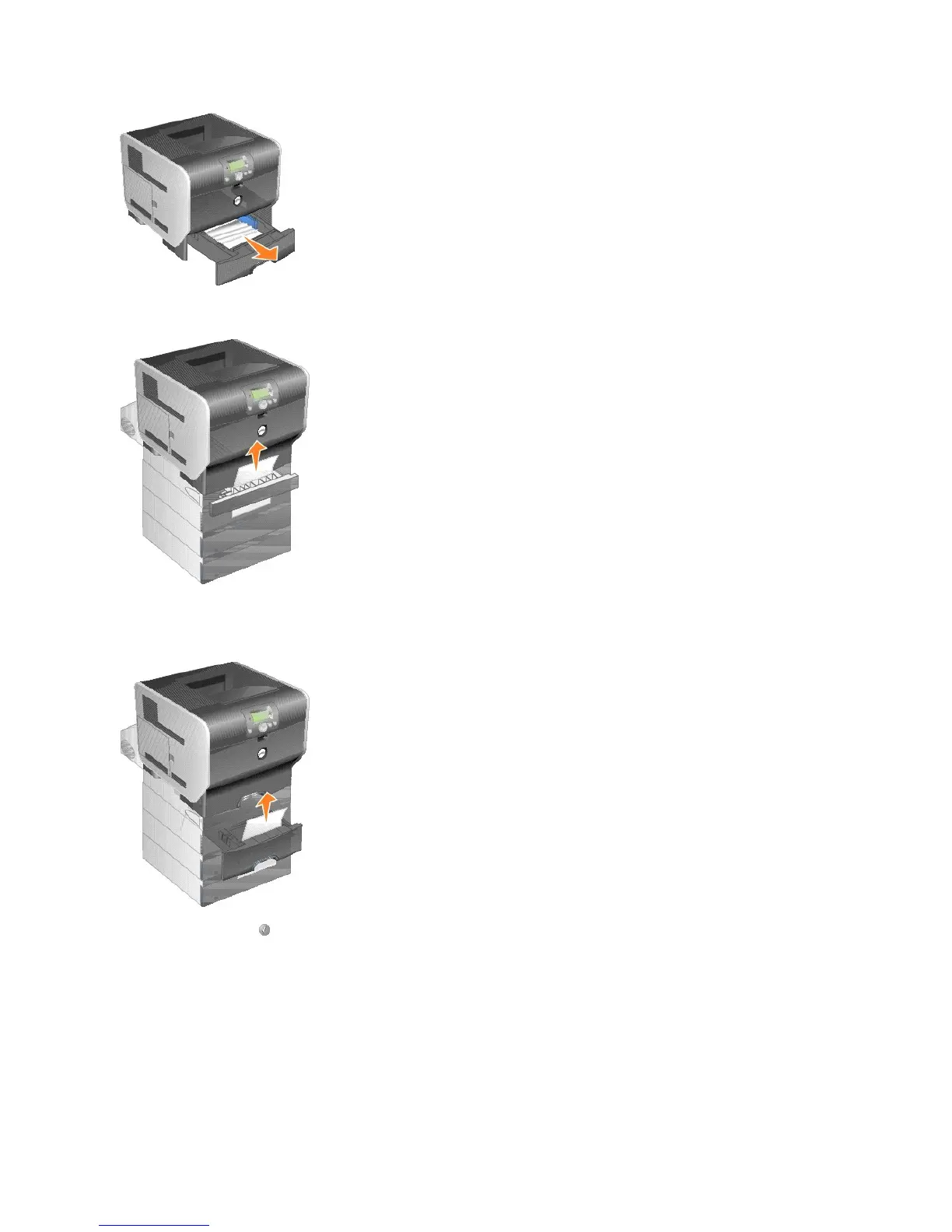
2. Open the duplex tray, and remove the media by pulling up.
3. Open any optional trays beginning at the top, and remove any jammed media.
Pull the print media either up or down. If it does not pull easily one way, try the other way.
4. Press the Select button .
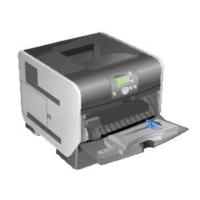
250 Paper Jam Check MP Feeder
1. Remove the paper from the multipurpose feeder.




 To Next Page