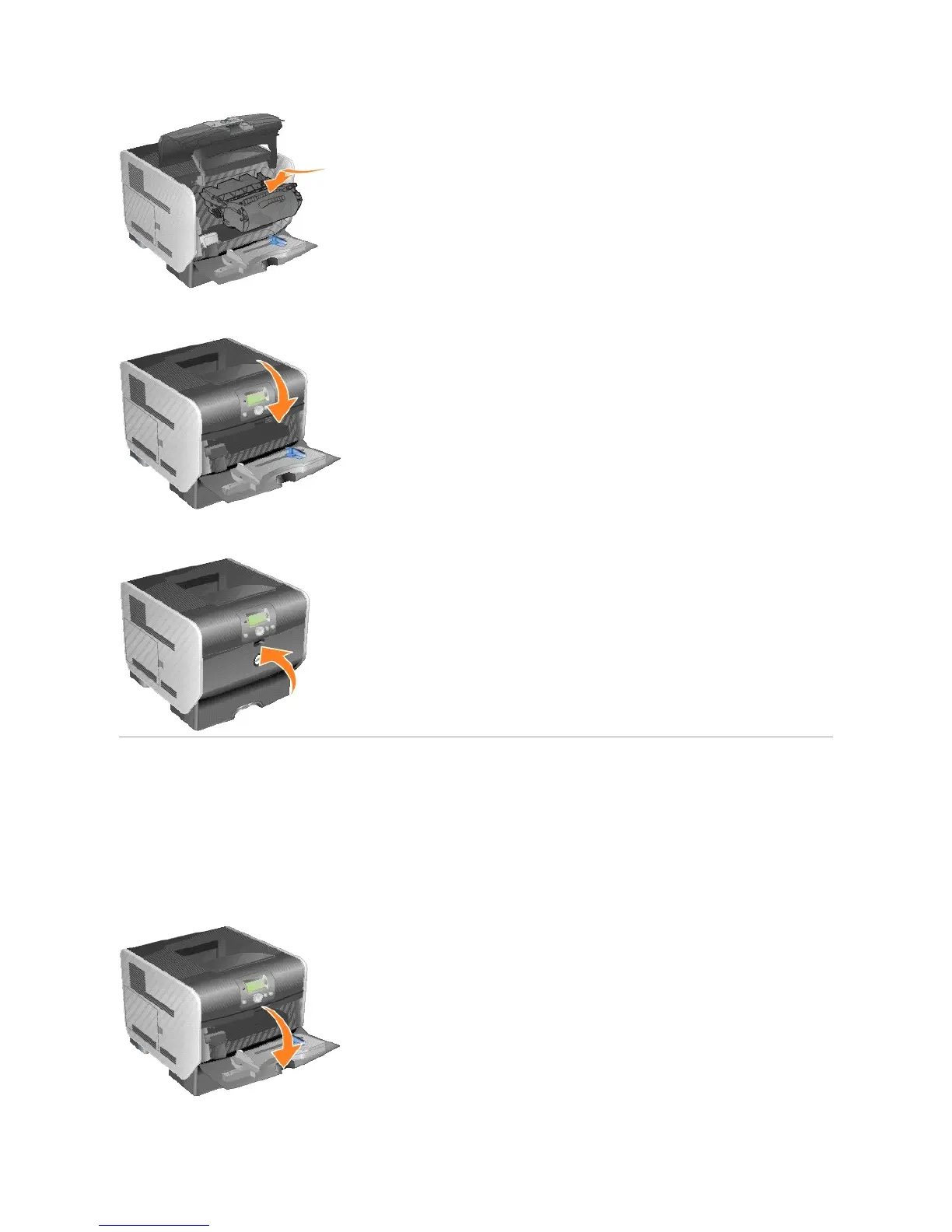
7. Close the top front cover.
8. Close the multipurpose feeder.
Replacing Maintenance Kit Items
Replacing the Charge Rolls
Order a new charge roll kit when toner fog or background shading appears on printed pages.
1. Turn the printer off, and unplug the printer power cord.
2. Pull on the notch on the front of the printer to lower the multipurpose feeder.















 To Next Page