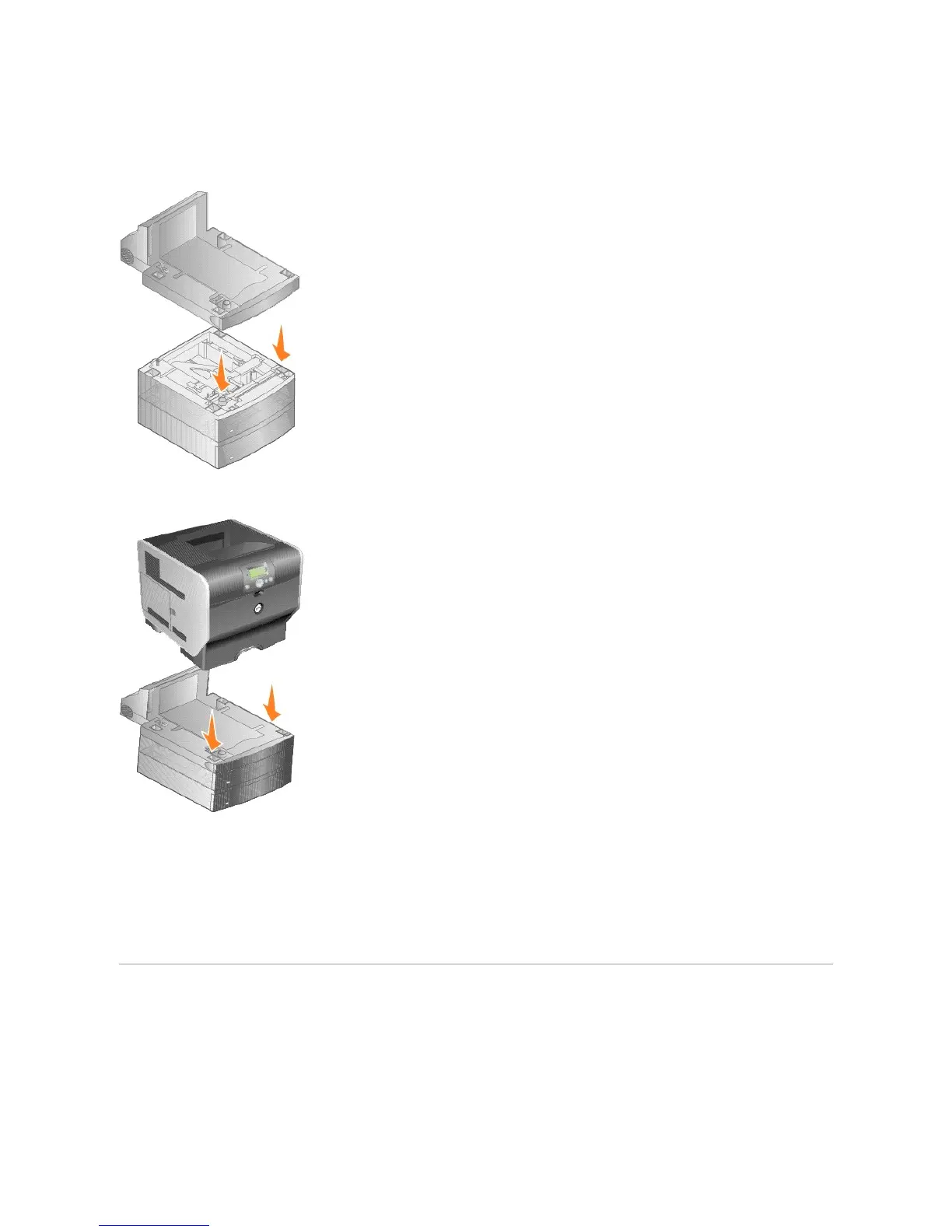
1. Place the duplex unit on top of any installed drawers or the table or printer cabinet where you plan to use the printer.
The tab, round peg, and square holes on top of any drawer help you position the duplex unit so the edges are aligned properly. Make sure it is securely
in place.
2. Attach the printer.
3. In Windows XP, click Start®Control Panel®Printers and Other Hardware®Printers and Faxes.
In all others, click Start®Settings®Printers.
4. Right-click the printer icon and select Properties.
5. On the Installed Options tab, select Duplex option in the Available Options list.
6. Click Add.
7. Click OK, and then close the Printers folder.
Installing an Output Expander
Each output expander consists of a support and a removable bin. A wire bail, bracket, and labels are also included.















 To Next Page