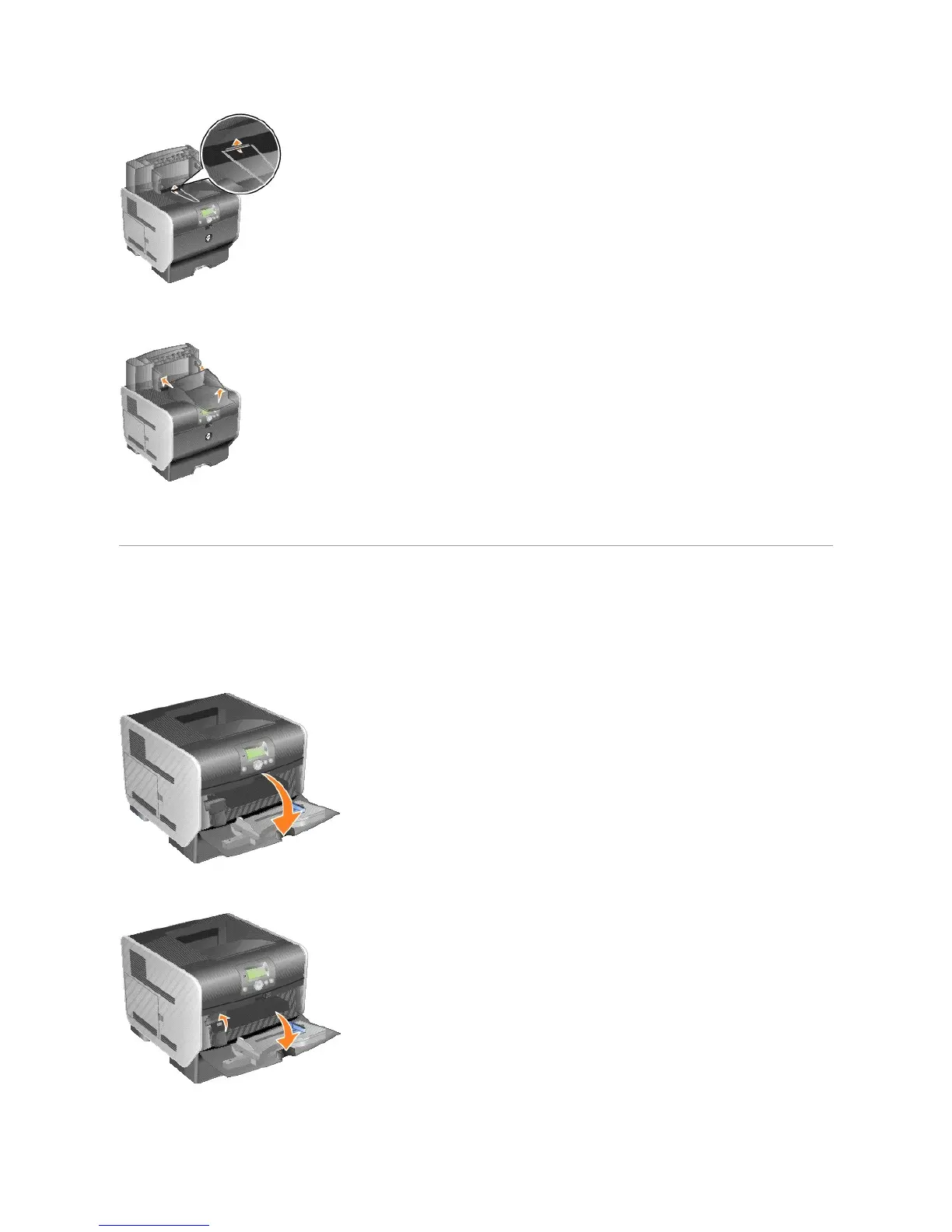
5. Slide the lower tabs on the tray into the lower slots on the output expander.
6. Rotate the tray up until the upper tabs snap into the upper slots.
7. If you are not attaching any more print media handling options, attach the top cover to the output expander.
Installing an Envelope Feeder
The envelope feeder attaches to the front of your printer behind the multipurpose feeder. It can be removed when you are not using it, making the printer
more compact.
1. Pull on the notch on the front of the printer to lower the multipurpose feeder.
2. Lift open the envelope feeder connector door.
3. Align the tabs on the envelope feeder with the slots on both sides of the printer, and then gently push the envelope feeder into the opening until it
snaps into place.















 To Next Page