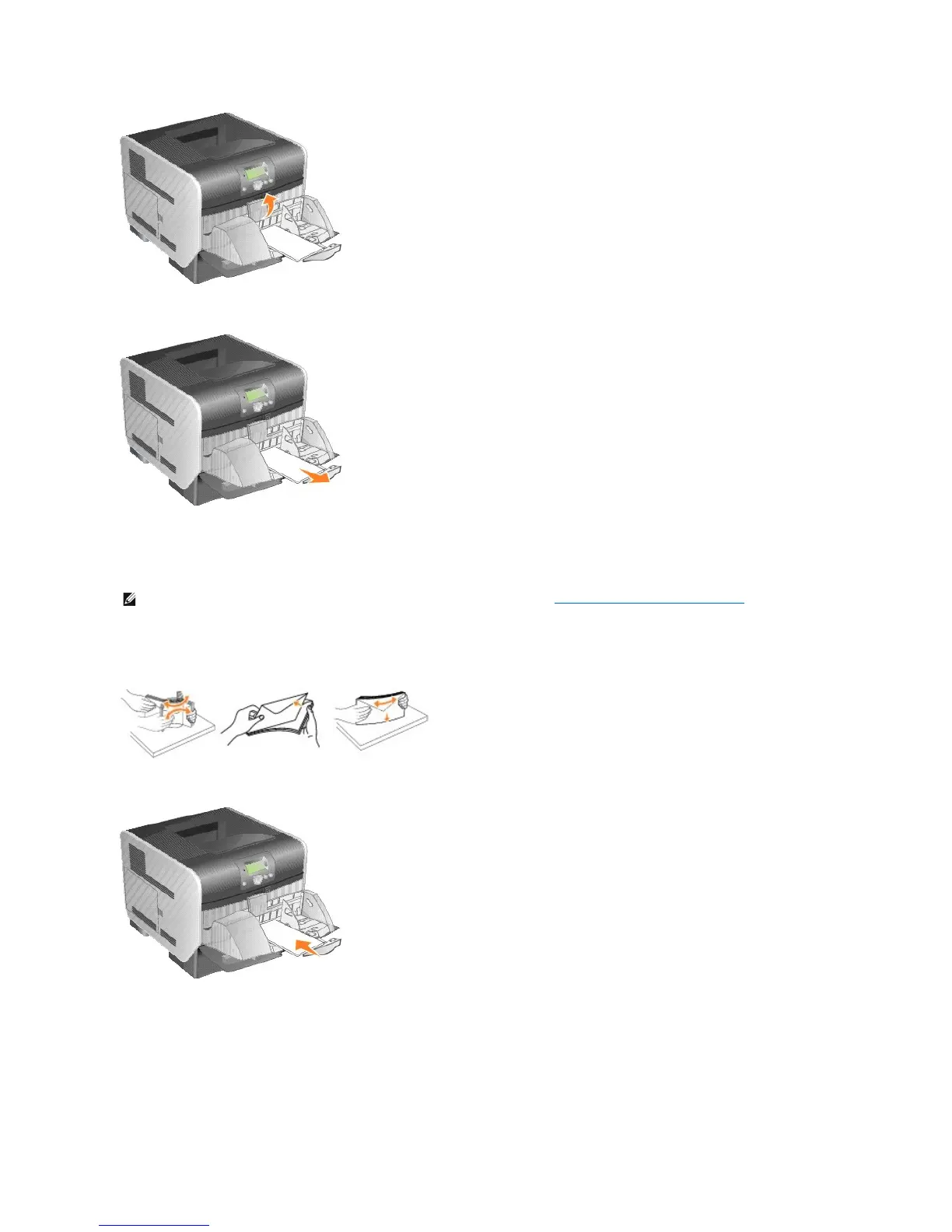
2. Remove all envelopes.
If the jammed envelope has entered the printer and cannot be pulled out, remove the envelope feeder.
a. Lift the envelope feeder up out of the printer, and then set it aside.
b. Remove the envelope from the printer.
c. Reinstall the envelope feeder. Make sure it snaps into place.
3. Flex and stack the envelopes.
4. Load the envelope feeder.
5. Adjust the guide.













 To Next Page