Using Your Projector 37
Using the On-Screen Display
• The projector has a multi-language On-Screen Display (OSD) Menu that can be
displayed with or without an input source.
• Press the Menu button on the control panel or the remote control to enter the
Main Menu.
• To navigate through the tabs in the Main Menu, press the or buttons on
your projector’s control panel or remote control.
• To select a submenu, press the or button on your projector’s control panel
or remote control.
• To select an option, press the or buttons on your projector’s control panel
or remote control. When an item is selected, the color changes to dark blue.
• Use the or buttons on the control panel or remote control to adjust the
settings.
• To go back to the Main Menu, press the button on the control panel or the
remote control.
• To exit the OSD, press the
Menu
button directly on the control panel or the
remote control.
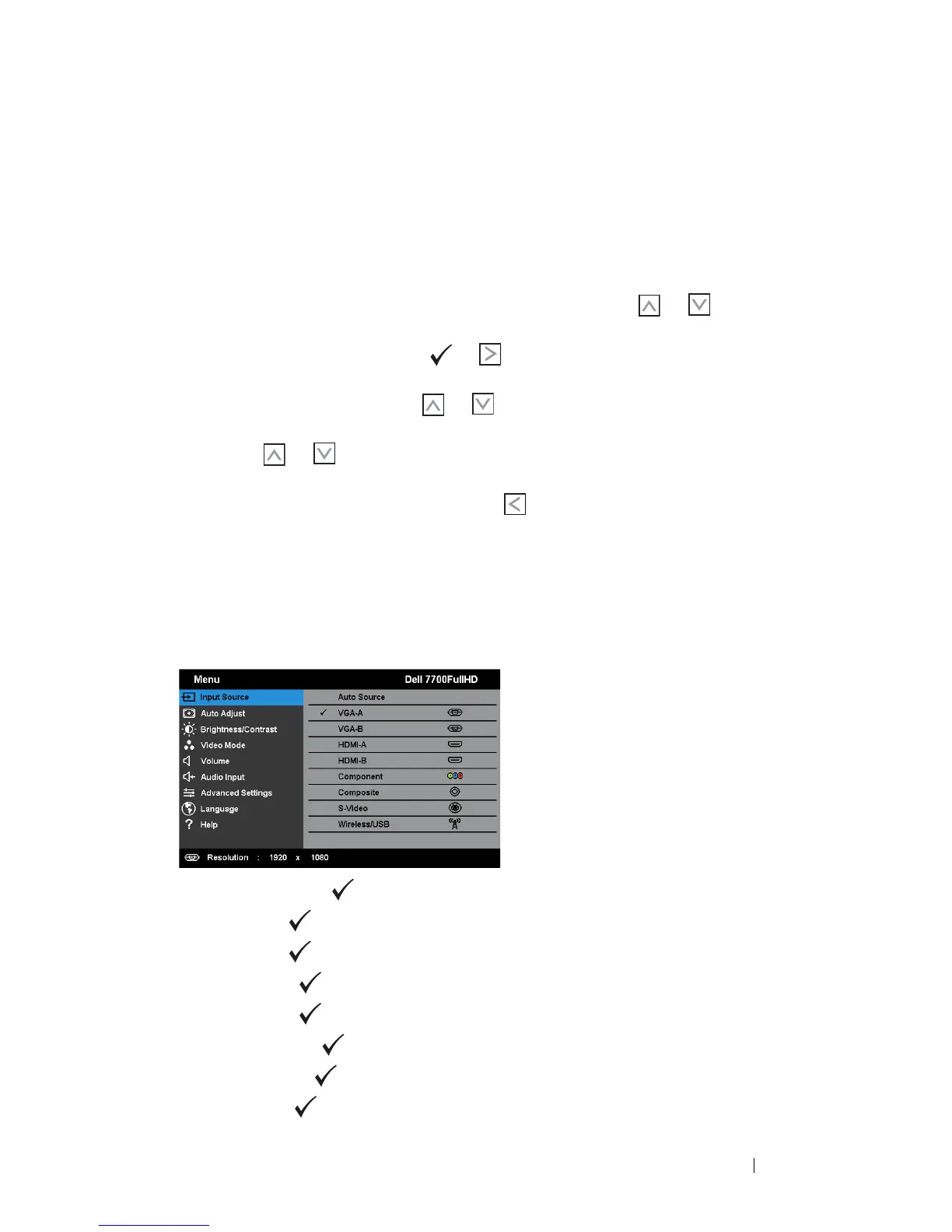
INPUT SOURCE
The Input Source menu allows you to select your projector’s input source.
AUTO SOURCE—Press to turn on or off Auto Source mode.
VGA-A—Press to detect a VGA-A signal.
VGA-B—Press to detect a VGA-B signal.
HDMI-A—Press to detect a HDMI-A signal.
HDMI-B—Press to detect a HDMI-B signal.
C
OMPONENT—Press to detect a RCA Component signal.
C
OMPOSITE—Press to detect a Composite Video signal.
S-V
IDEO—Press to detect a S-Video signal.



 To Next Page