Using Your Projector 75
Login
8
To communicate with your projector, enter the Login Code (see Step 4), and
then click OK.
NOTE: If the IP Address is not detected, enter the IP Address displayed at the
bottom left corner of the wireless screen.
9
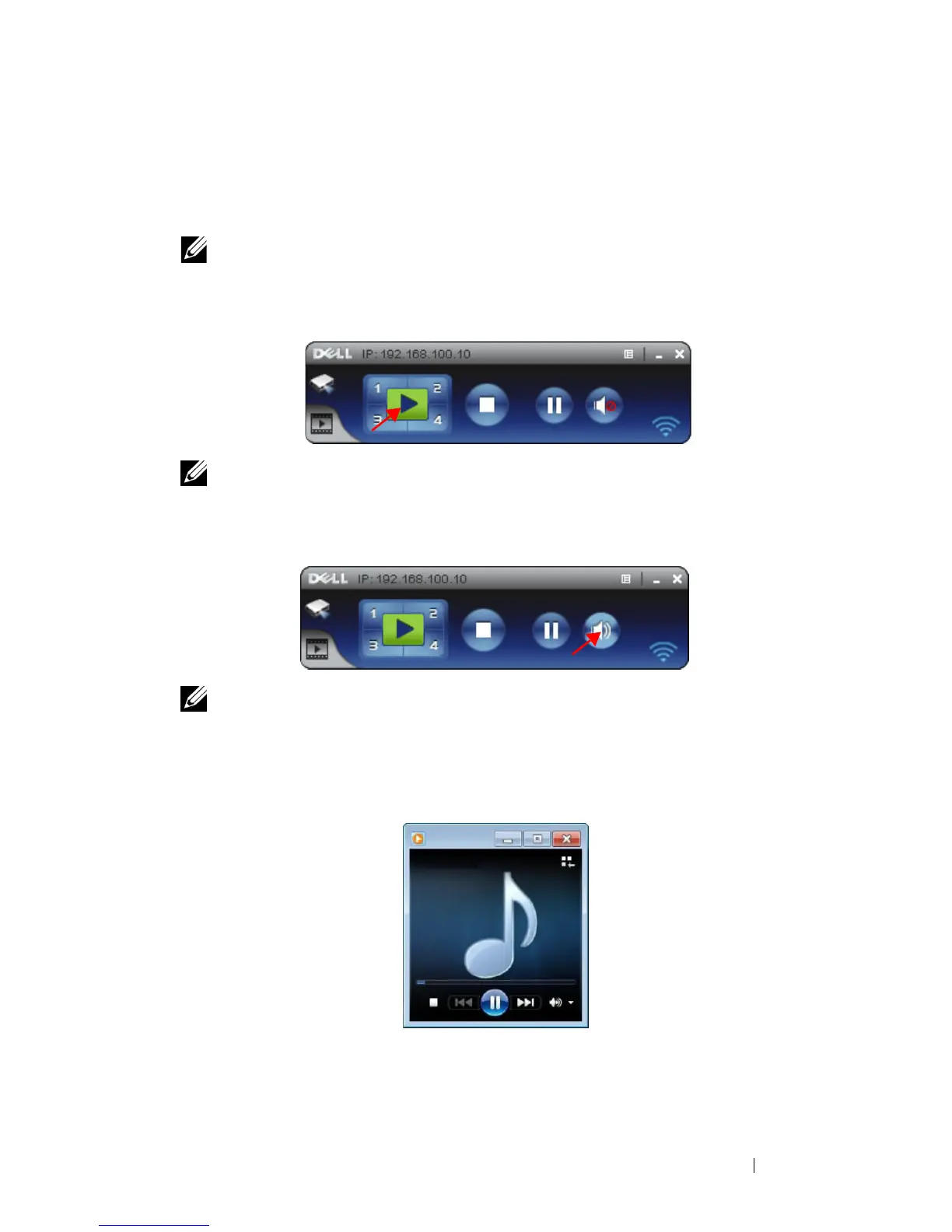
You are now logged into the 7700FullHD Wireless Application. Click the "Play"
button in the application to starting the LAN or wireless projection.
NOTE: You may use the controls to either project in full screen mode or in split
screen mode.
10
Click the "
Audio Projection
" button in the application to enable
Audio
Projection
function.
NOTE: Audio projector function need install extra driver, if your computer do
not install driver, will pop-up need install driver message on screen. You can
download the "extra driver" from the Dell Support site at support.dell.com.
11
Executing the Windows Media Player or others audio player software
(example: Winamp player...) on your computer.



 To Next Page