56 Using Your Projector
Enable Wireless on the Projector
In order to use your projector wirelessly, you need to complete the steps below:
1
Install the optional wireless dongle. See "Installing the Optional Wireless
Dongle" on page 11.
2
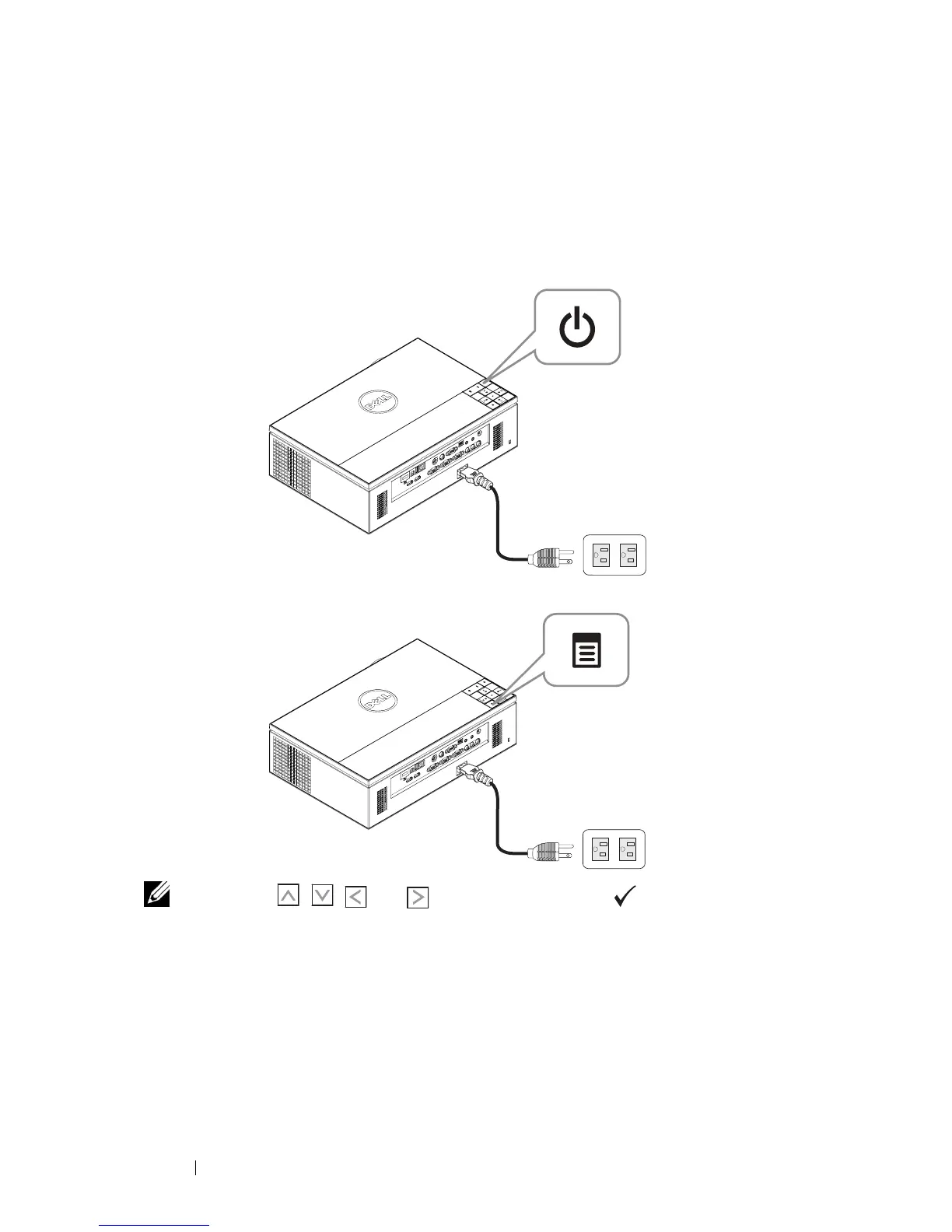
Connect the power cable to the wall outlet and press the power button.
3
Press the
Menu
button on your projector control panel or remote control.
NOTE: Use , , and buttons to navigate and to select.
4
The wireless connection default is
Enabled
. See "Wireless Settings" on
page 48.
5
Access the
INPUT SOURCE
menu, select
Wireless/USB
and then select
Wireless Display
on the sub-menu. See "INPUT SOURCE WIRELESS/USB"
on page 38.



 To Next Page