40 Using Your Projector
VOLUME
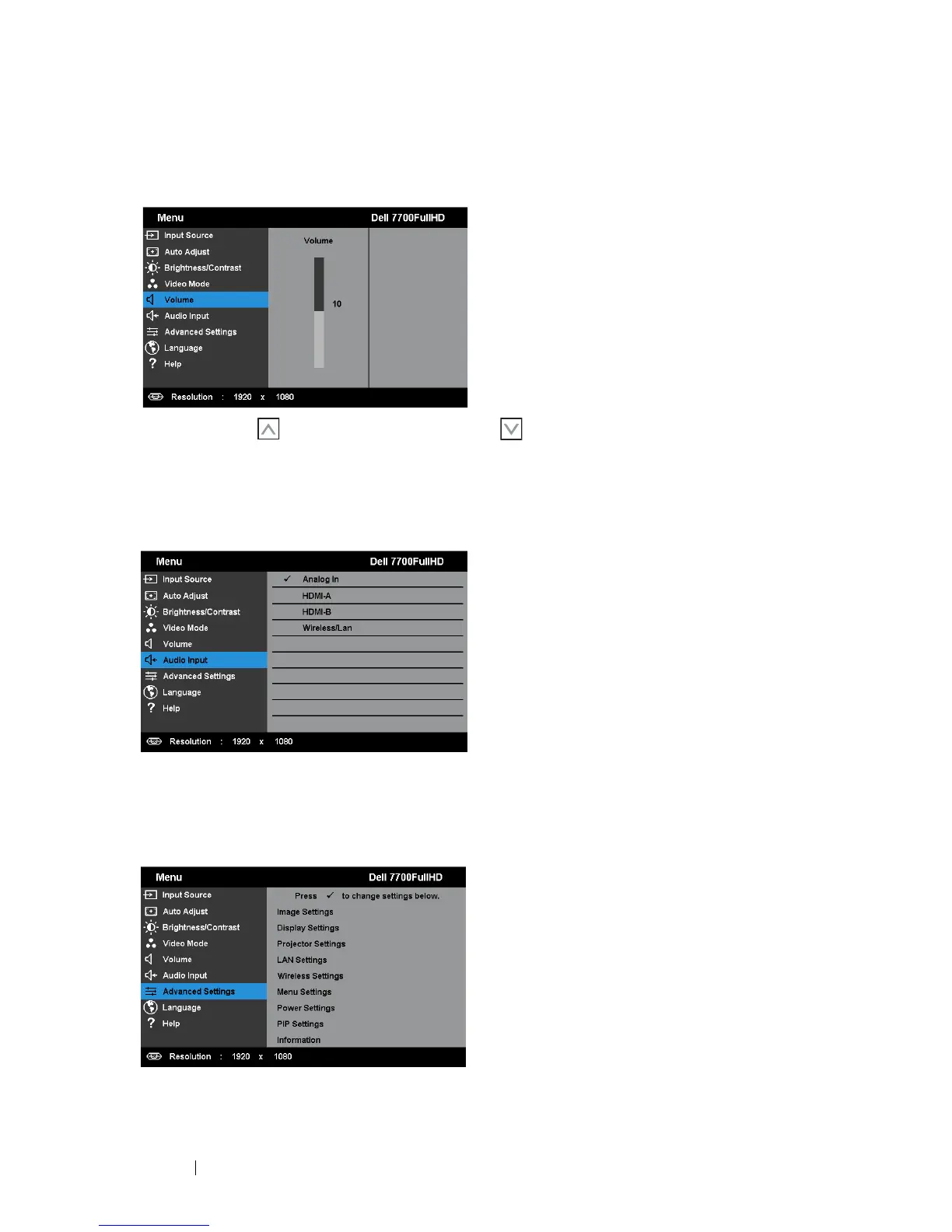
The Volume menu allows you adjust the volume settings of your projector.
V
OLUME—Press to increase the volume and to decrease the volume.
AUDIO INPUT
The Audio Input menu allows you to select your audio input source. The options
are: Analog In, HDMI-A, HDMI-B, and Wireless/LAN.
ADVANCED SETTINGS
The Advanced Settings menu allows you to change settings for Image, Display,
Projector, LAN, Wireless, Menu, Power, PIP, and Information.



 To Next Page