Using Your Projector 53
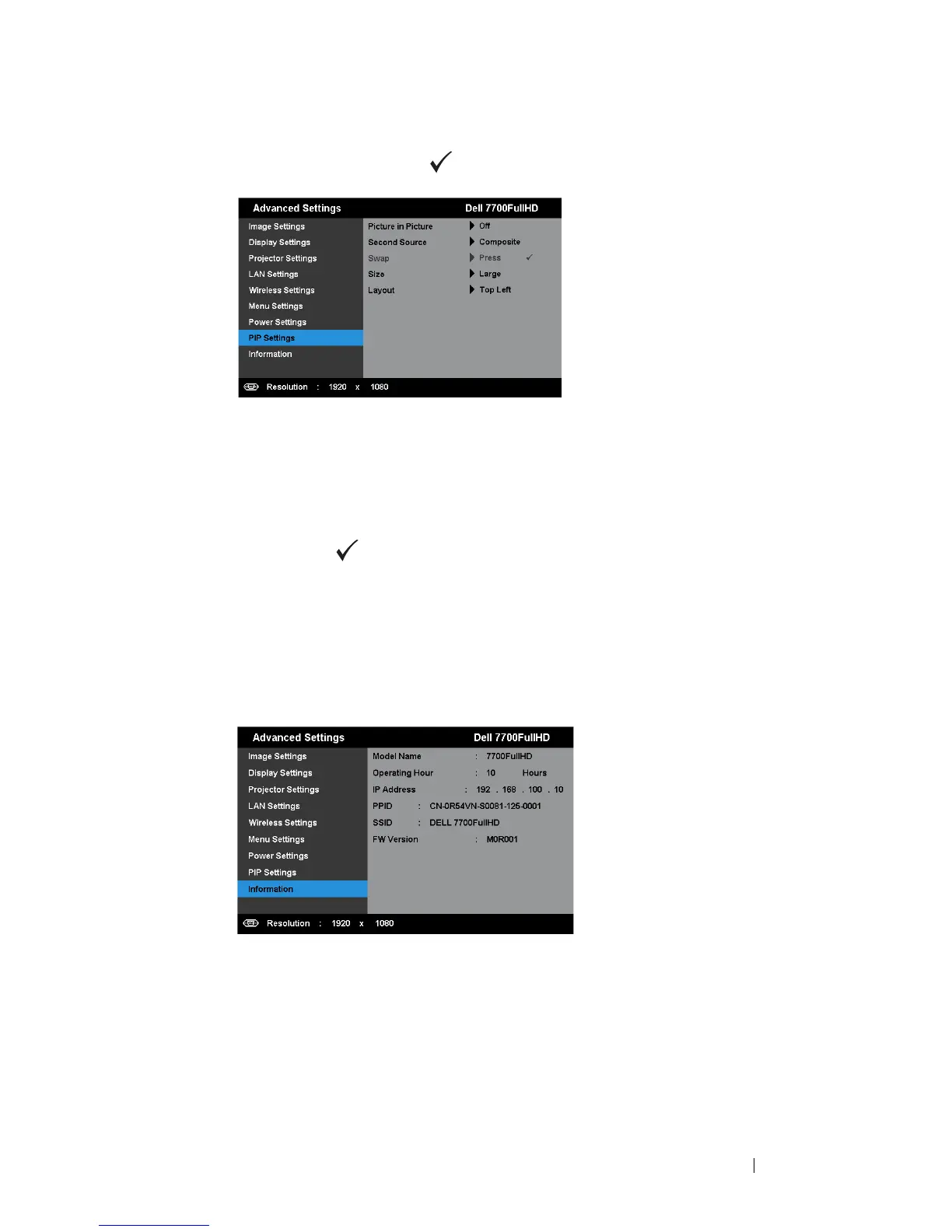
PIP SETTINGS—Select and press to activate pip settings. The pip settings
menu provides the following options:
PICTURE IN PICTURE—Select On to enable the picture in picture display.
Select Off to disable the feature.
S
ECOND SOURCE—Allows you to select the possible second source is available
in the OSD selection depending on the current primary input source. See
"PIP Combination Sources" on page 113.
S
WAP—Press to swapping the first and second source displays.
S
IZE—Allows you to adjust the image size of the second source. The
options are: Small, Mid, Large, and Half.
L
AYOUT—Allows you to change the second source position to the four
different corners. The options are: Top Left, Top Right, Bottom Left, and
Bottom Right.
INFORMATION—The information menu displays the current projector settings.



 To Next Page