Using Your Projector 63
Projecting the Presentation
• To project the presentation, click any of the projection buttons .
• To pause the presentation, click . The icon turns green.
• To continue the presentation, click again.
• To audio projection the presentation, click . See "Audio Projection
Installation" on page 71.
• To stop the presentation, click .
Video Mode
NOTE: The following information is for wireless data presentation mode only.
Image display could be slow or not displayed smoothly if displaying a video clip
or animation. Refer to the frame-rate table below for reference:
Frame Rate of Wireless Presentation
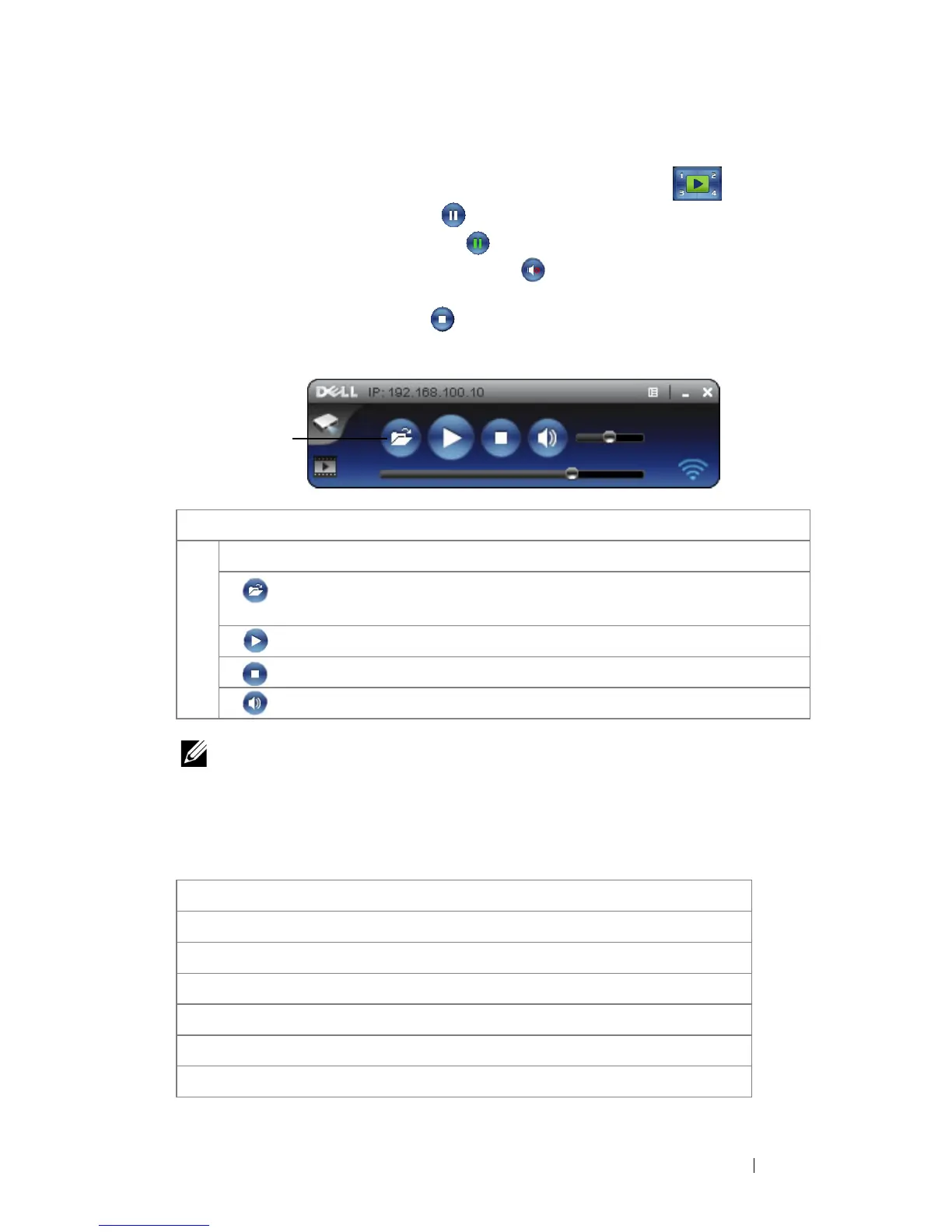
Item Description
1 Control Toolbar
Open Click to open folder and searching the video
or music file.
Play Click to starting player.
Stop Click to stop player.
Mute Click to mute/un-mute.
Screen Variation %
1
Estimated frames per second
2
<5 % 30
3
<10% 28
3
<20% 26
3
<40% 25
3
<75% 22
3
<=100% 20
3
1



 To Next Page