72 Ink Cartridge Maintenance
www.dell.com | support.dell.com
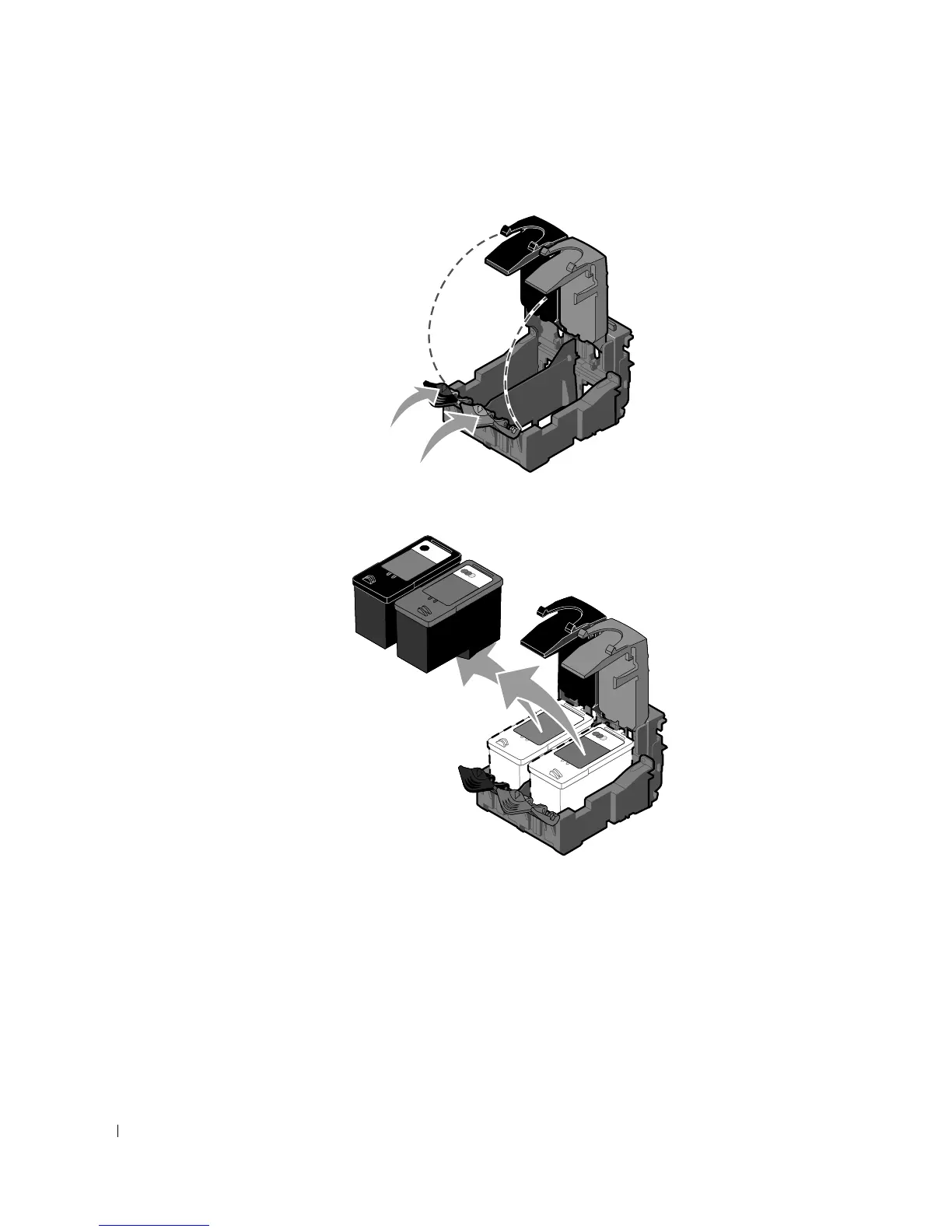
3 Press down on the ink cartridge lever to raise each ink cartridge lid.
4 Remove the old ink cartridges.
5 Store the cartridges in an air-tight container, such as the storage unit you received with
your photo cartridge, or dispose of them properly.
6 If you are installing new ink cartridges, remove the sticker and transparent tape from the
back and bottom of each ink cartridge.













 To Next Page