Ink Cartridge Maintenance 73
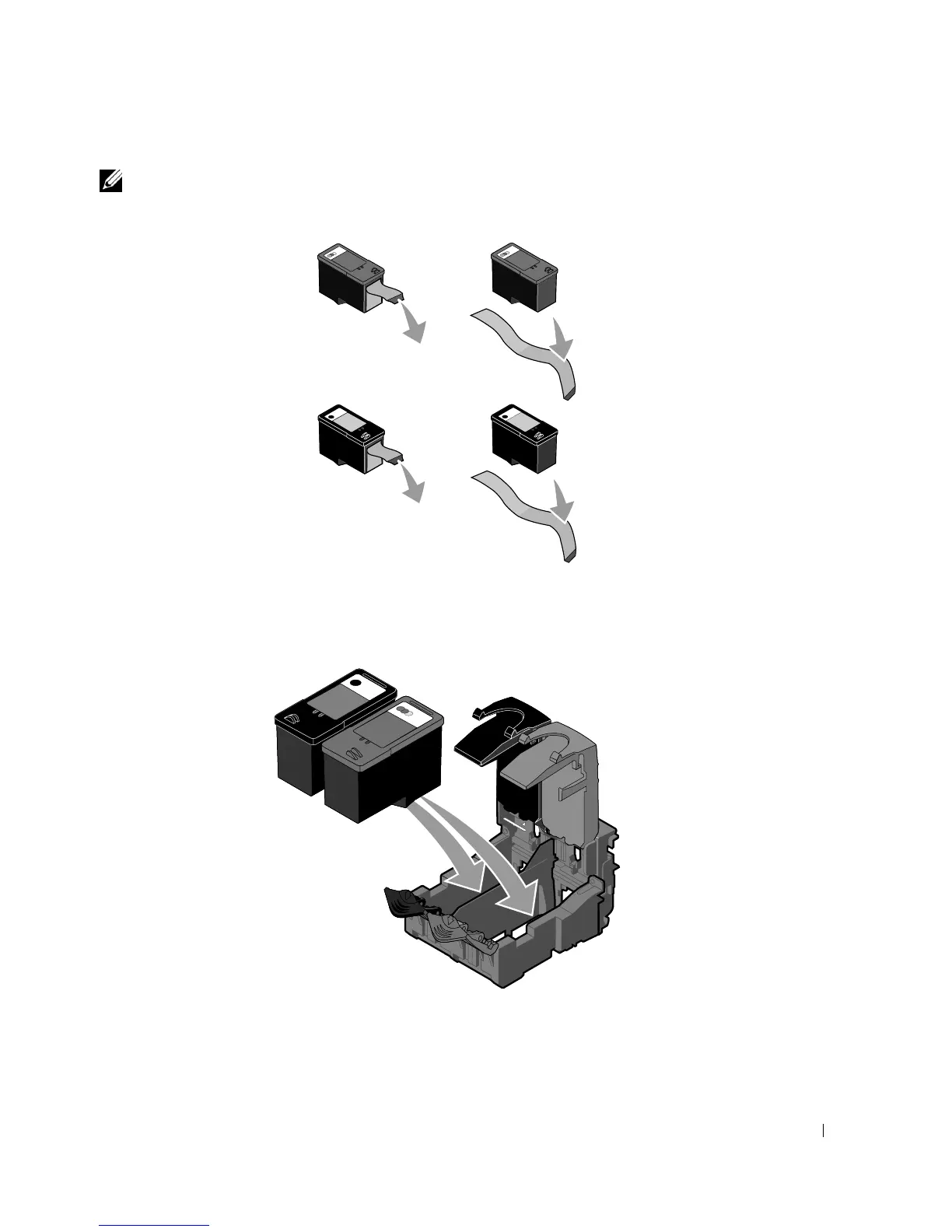
NOTE: The illustration below shows a black cartridge and a color cartridge (used for normal
printing). For photo printing, use a photo cartridge and a color cartridge.
7
Insert the new ink cartridges. Make sure the black or photo ink cartridge is secure in the
left ink cartridge carrier, and the color ink cartridge is secure in the right ink cartridge
carrier.













 To Next Page