8 Double-click the driver le icon and follow the instructions on screen.
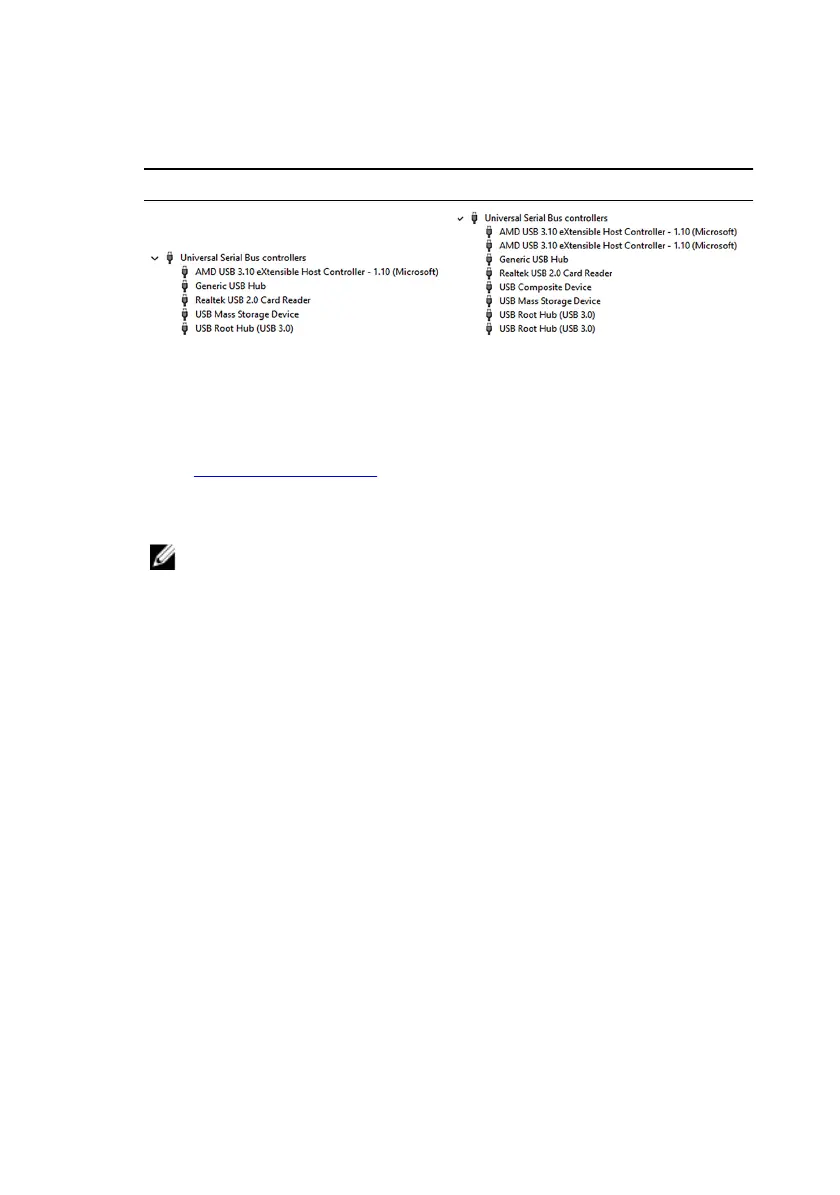
Table 5. Universal Serial Bus controllers in device manager
Before driver installation After driver installation
Downloading the Wi-Fi driver
1 Turn on your computer.
2 Go to www.dell.com/support.
3 Click Product support enter the Service Tag of your computer, and then click
Submit.
NOTE: If you do not have the Service Tag, use the auto-detect
feature or manually browse for your computer model.
4 Click Drivers & downloads → Find it myself.
5 Scroll down the page, and expand Network.
6 Click Download to download the Wi-Fi driver for your computer.
7 After the download is complete, navigate to the folder where you saved the
Wi-Fi driver le.
118












 To Next Page