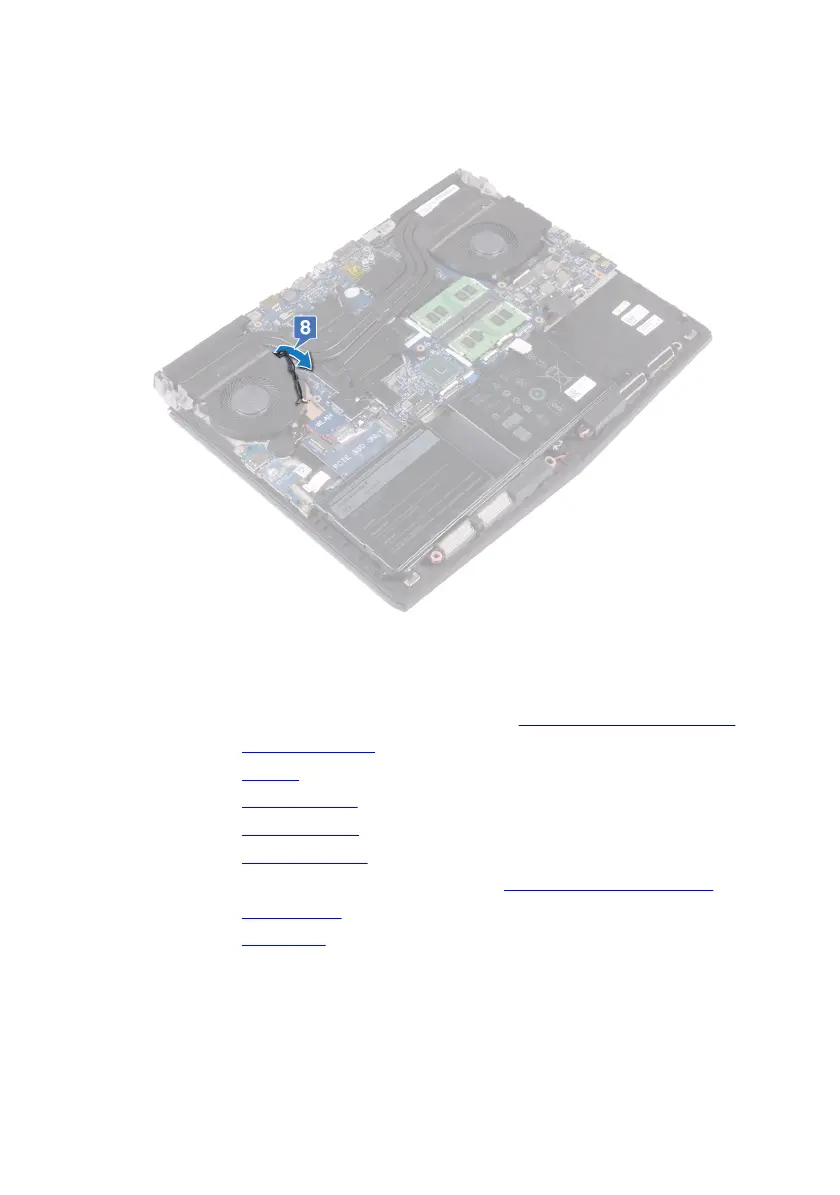
8 Push the antenna cables through the gap between the system board and the
palm-rest assembly one by one.
Post-requisites
1 Follow the procedure from step 2 to step 16 in “Replacing the system board”.
2 Replace the memory modules.
3 Replace the battery.
4 Replace the computer base.
5 Replace the rear-I/O cover.
6 Replace the solid-state drive.
7 Follow the procedure from step 4 to step 6 in "Replacing the hard drive".
8 Replace the wireless card.
9 Replace the base cover.
115












 To Next Page