Procedure
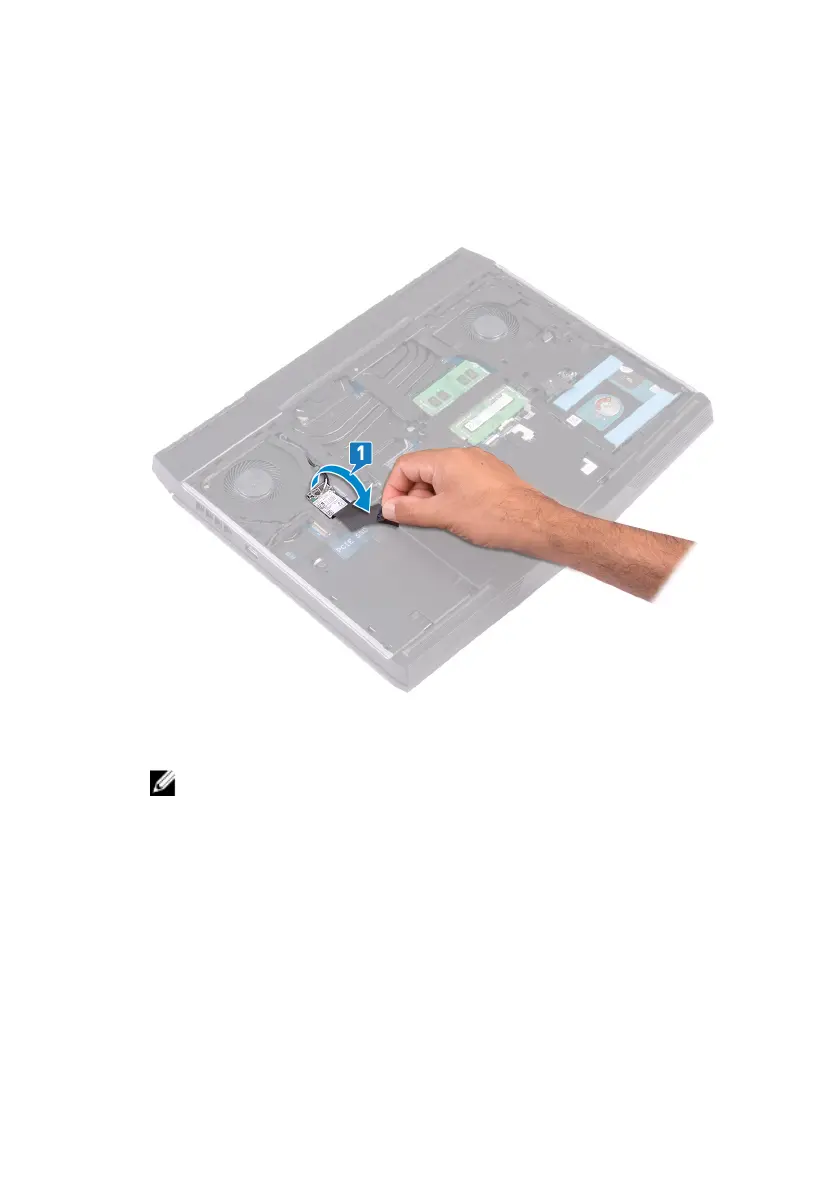
1 Lift the ap covering the wireless card to access the wireless-card bracket
and screw.
2 Remove the screw (M2x3) that secures the wireless-card bracket to the
computer base.
NOTE: To avoid potential damage to the wireless-card bracket,
carefully lift it at an angle and remove it from the wireless card.
3 Lift the wireless-card bracket o the wireless card.
4 Lift the wireless card at an angle, and slide it out of the wireless-card slot.
22












 To Next Page