48 | Operating the monitor
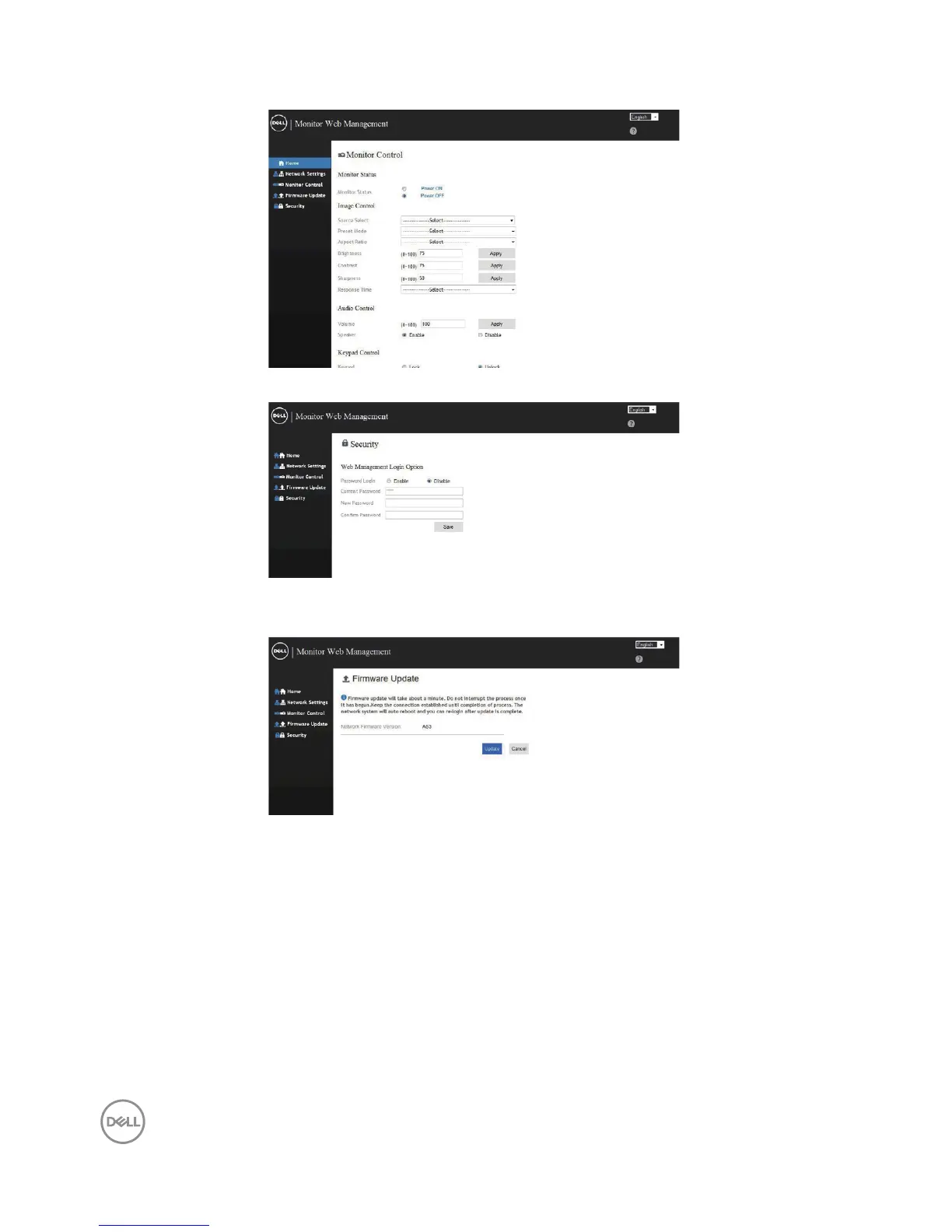
5. Click Display Control to see the display’s status.
6. Click Security to set a password
7. Update Firmware. You can download the latest drivers from the Dell
Support website at www.dell.com/support
8. Upgrade rmware page and wait for 30 seconds.















 To Next Page