50 | Operating the monitor
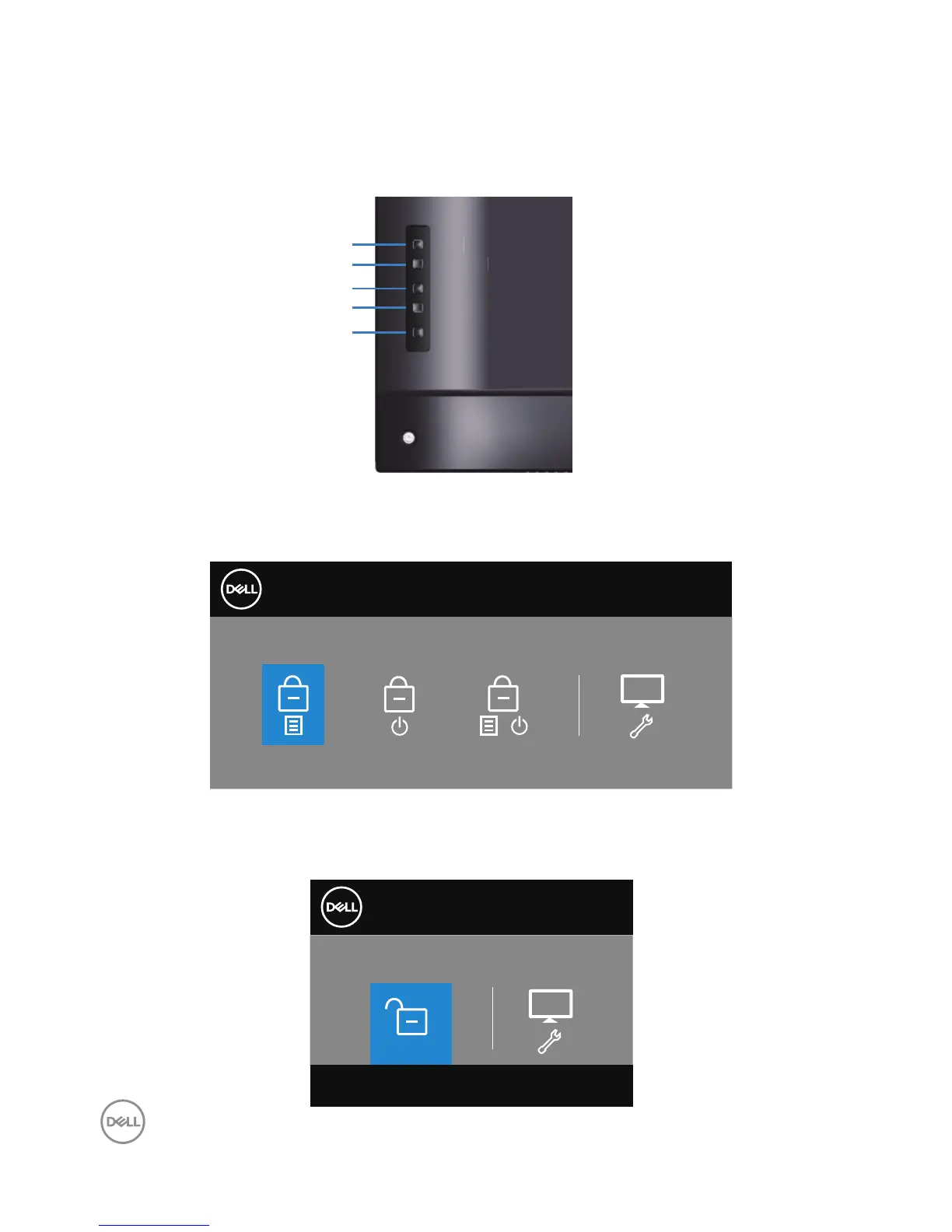
OSD and Power button lock
Controls user access to adjustments.
The default setting of OSD lock is set to unlock.
Menu
Exit
Power
Down
Up
To enter OSD lock menu: Hold the Exit key (button 4) for 4 seconds to display
OSD lock menu (when OSD unlocked), A OSD lock menu appears and is shown on
center of display screen for 4 seconds.
Dell 55 Monitor
Select Option:
C5519Q
+
To enter OSD unlock menu: Hold the Exit key (button 4) for 4 seconds to display
OSD lock menu (when OSD locked), A OSD unlock menu appears and is shown on
center of display screen for 4 seconds.
Dell 55 Monitor
Select Option:
C5519Q















 To Next Page