54 | Troubleshooting
Built-in diagnostics
Your monitor has a built-in diagnostic tool that helps you determine if the screen
abnormality you are experiencing is an inherent problem with your monitor, or with
your computer and video card.
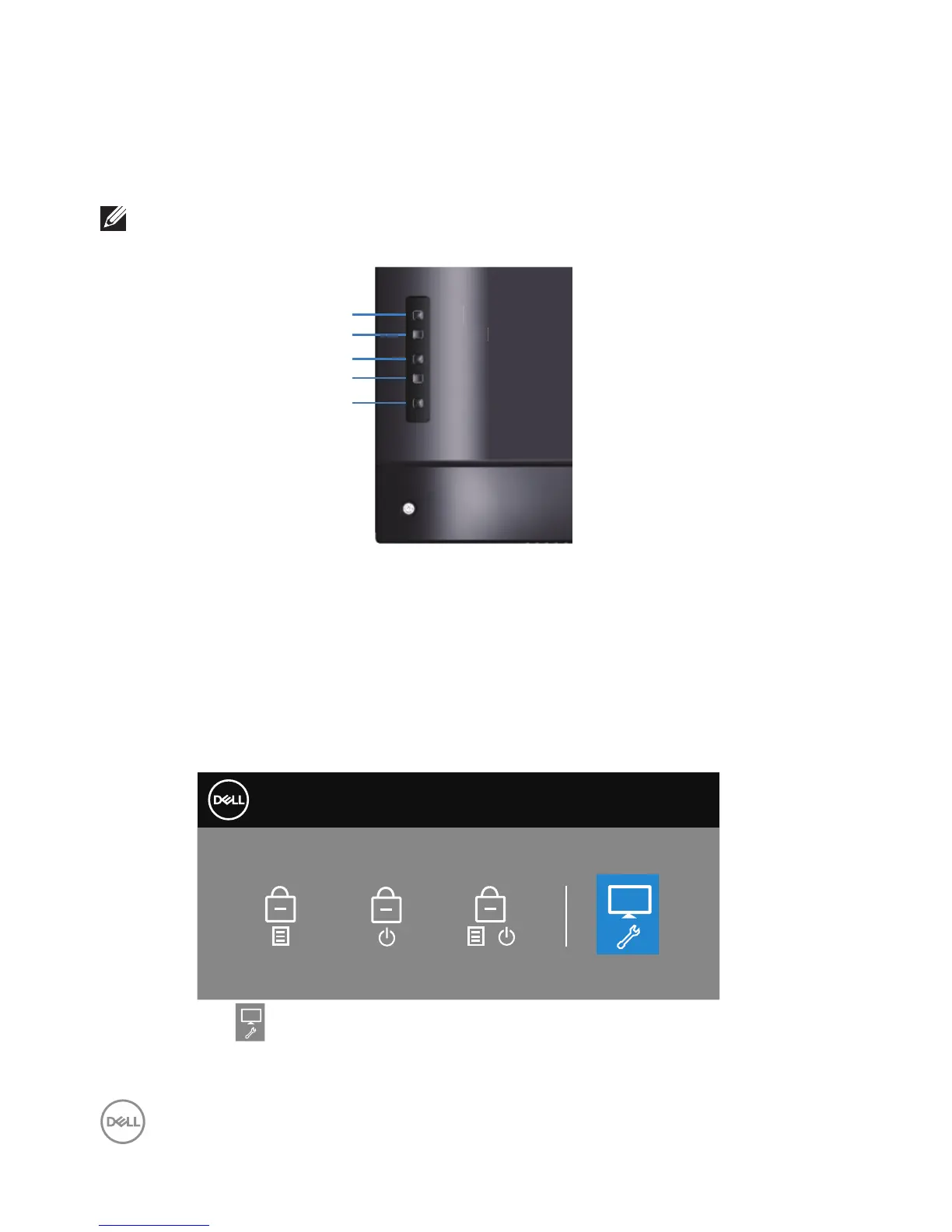
NOTE: You can run the built-in diagnostics only when the video cable is
unplugged and the monitor is in self-test mode.
Menu
Exit
Power
Down
Up
To run the built-in diagnostics:
1.
Ensure that the screen is clean (no dust particles on the surface of the
screen).
2.
Unplug the video cable (s) from the back of the computer or monitor. The
monitor then goes into the self-test mode.
3.
Press and hold the Exit key (button 4) for 4 seconds to enter the OSD lock/
unlock menu.
Dell 55 Monitor
Select Option:
C5519Q
+
4.
Select the icon to enable the built-in diagnostics.















 To Next Page