EasyManua.ls Logo

Dell C5519Q - Page 53

Dell C5519Q
69 pages
Print Icon
To Next Page IconTo Next Page
To Previous Page IconTo Previous Page
Loading...
Troubleshooting | 53
Dell
P2418HZ
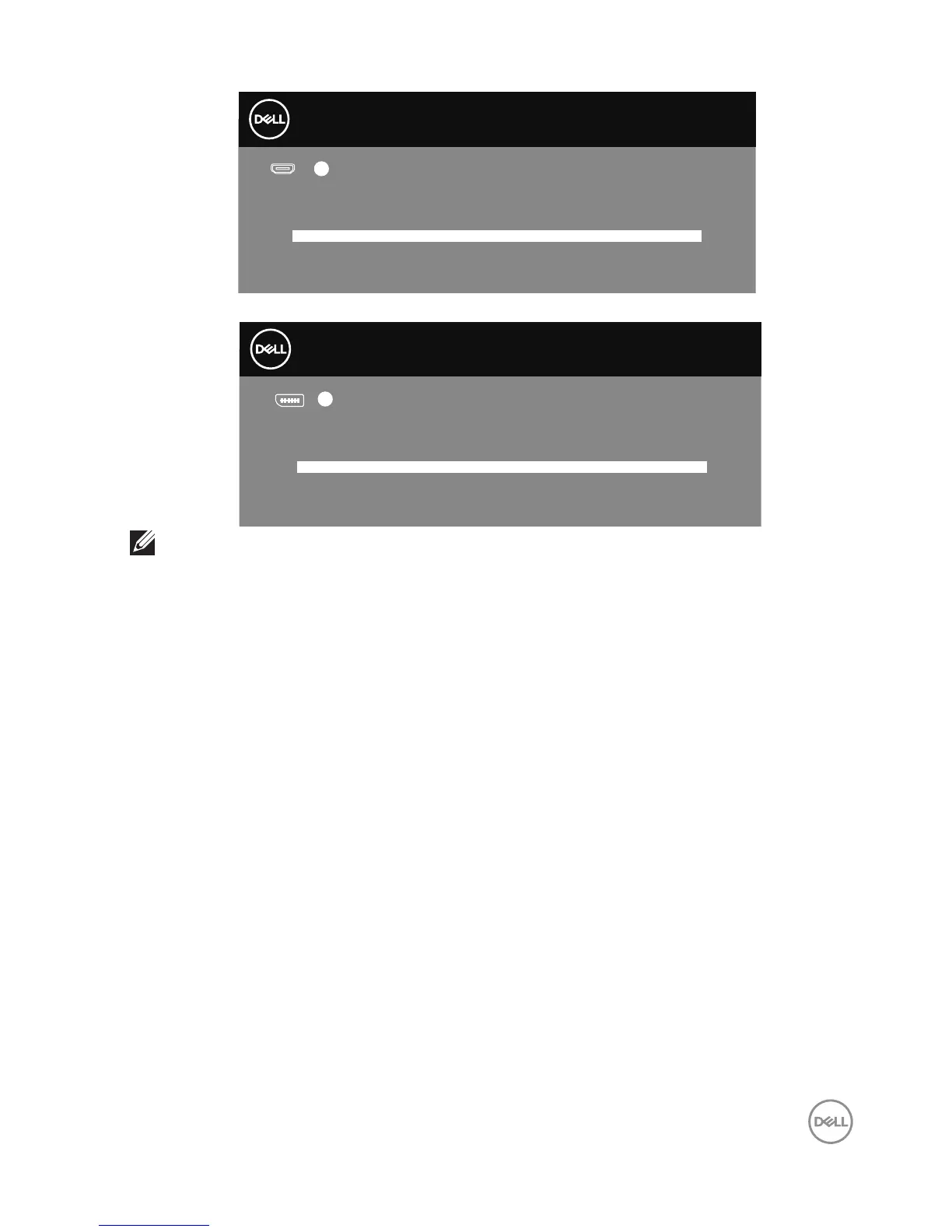
Dell 55 Monitor
No VGA Cable
The display will go into Power Save Mode in 4 minutes.
www.dell.com/C5519Q
?
C5519Q
Dell 55 Monitor
No DP Cable
The display will go into Power Save Mode in 4 minutes.
www.dell.com/C5519Q
?
C5519Q
NOTE: This box also appears during normal system operation, if the video
cable is disconnected or damaged.
4.
Turn off your monitor and reconnect the video cable; then turn on your
computer and the monitor.
If your monitor remains dark after you reconnect the cables, check your video
controller and computer.


Other manuals for Dell C5519Q

Related product manuals