38 │ Operating the Monitor
Manual Image
Adjust
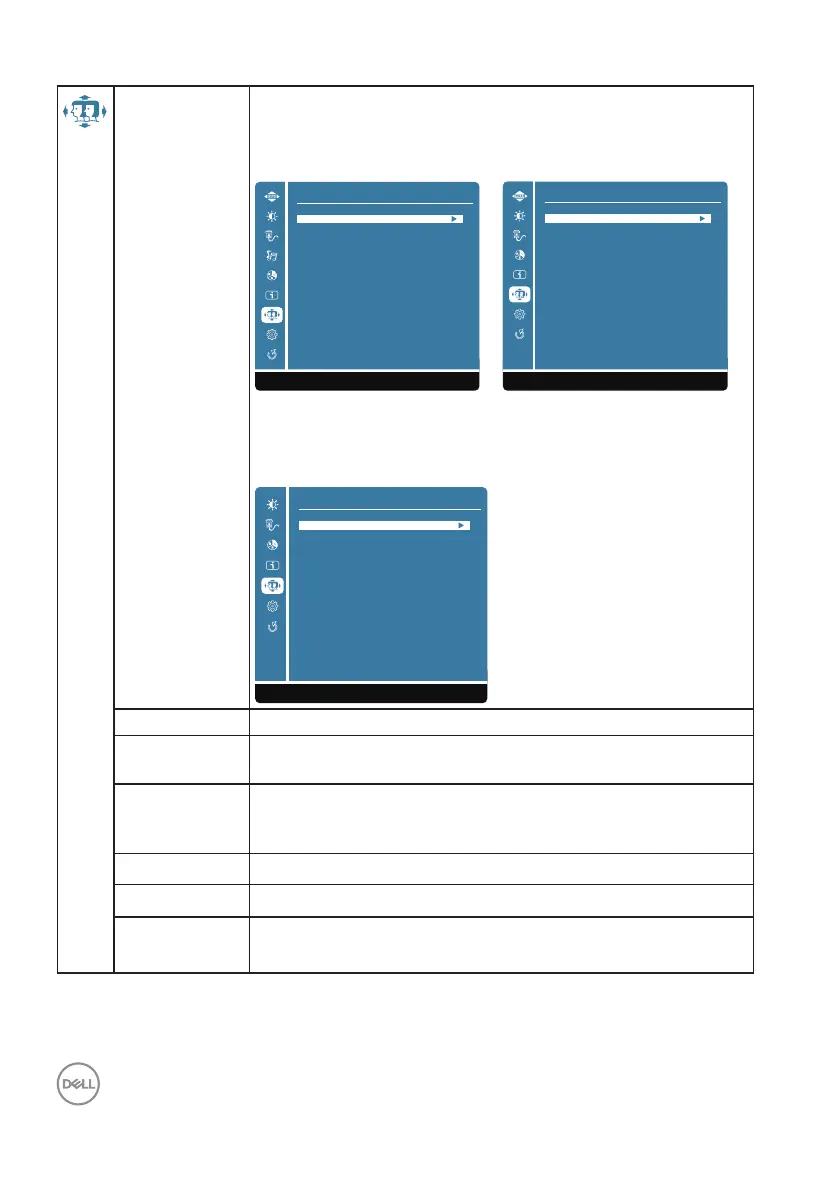
When you select Manual Image Adjust, you can choose H./V.
Position, Clock, Phase, Sharpness, Aspect Ratio and Response
Time from the list. (D2421H/D2721H)
D2421H D2721H
Manual Image Adjust
1:Exit Select:2
Phase
Sharpness
Aspect Ratio
Response Time
Clock
H./V. Position
Manual Image Adjust
1:Exit Select:2
Phase
Sharpness
Aspect Ratio
Response Time
Clock
H./V. Position
When you select Manual Image Adjust, you can choose
Sharpness, Aspect Ratio and Response Time from the list.
(D2421DS)
D2421DS
Manual Image Adjust
1:Exit Select:2
Sharpness
Aspect Ratio
Response Time
H./V. Position To adjust the horizontal and vertical position of the video.
Clock The Phase and Pixel Clock adjustments allow you to adjust
your monitor to your preference.
Phase If satisfactory results are not obtained using the phase
adjustment, use the Clock (coarse) adjustment and then use
Phase (fine), again.
Sharpness To select the picture sharpness of display.
Aspect Ratio To adjusts the video mode between Full Screen or 4:3
Response
Time
Increase response time of panel. (Off/Normal/Fast)




 To Next Page