Troubleshooting Tools 51
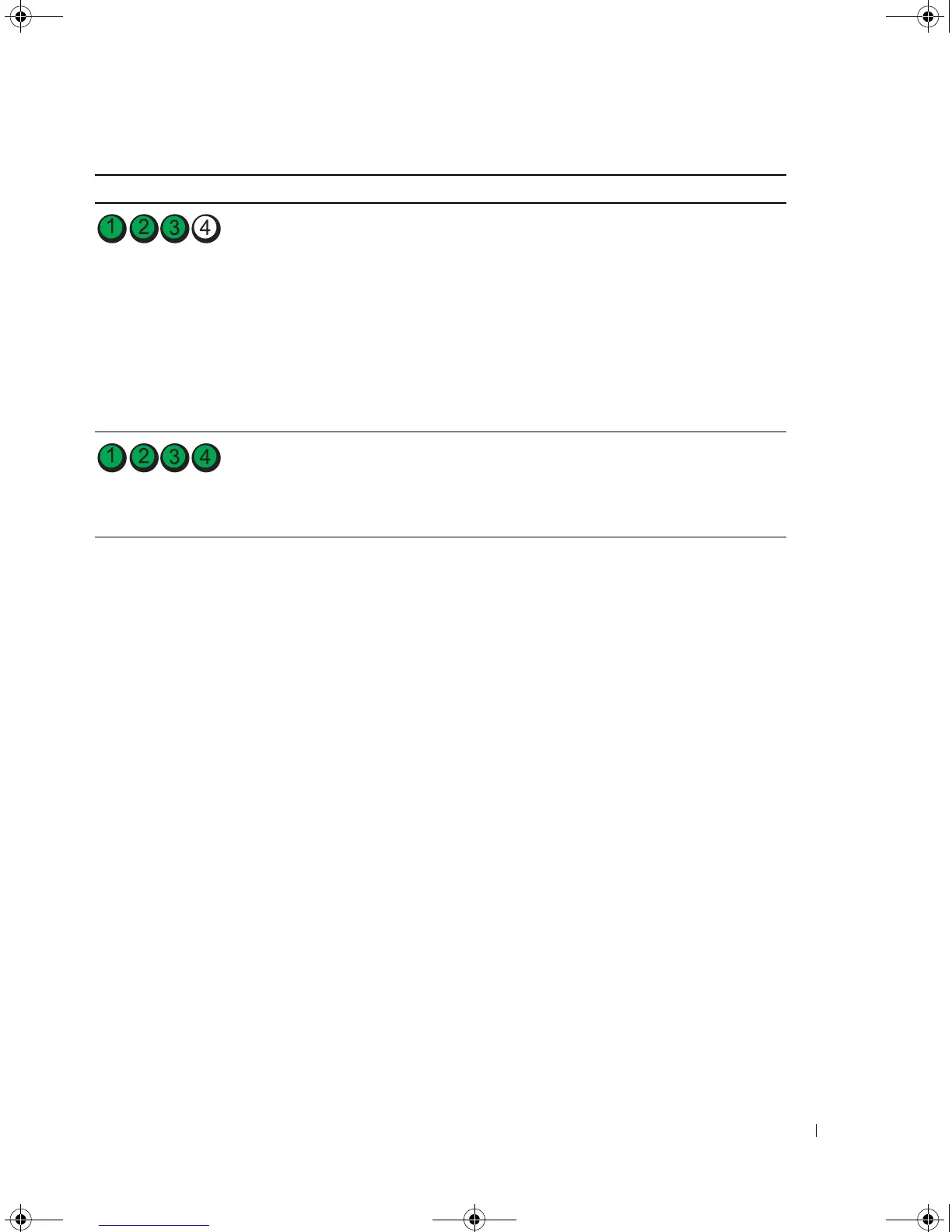
Another failure has occurred.
• Ensure that the cables are properly
connected to the system board from the
hard drive, CD drive, and DVD drive (see
"Drives" on page 85).
• If there is an error message on your screen
identifying a problem with a device (such
as the floppy drive or hard drive), check the
device to ensure that it is functioning
properly.
• If the problem persists, contact Dell (see
"Contacting Dell
" on page 122).
After POST is complete, all four
diagnostic lights turn green
briefly before turning off to
indicate normal operating
condition.
None.
Light Pattern Problem Description Suggested Resolution
book.book Page 51 Monday, July 23, 2007 3:47 PM














 To Next Page