102 Removing and Installing Parts
Installing a CD/DVD Drive
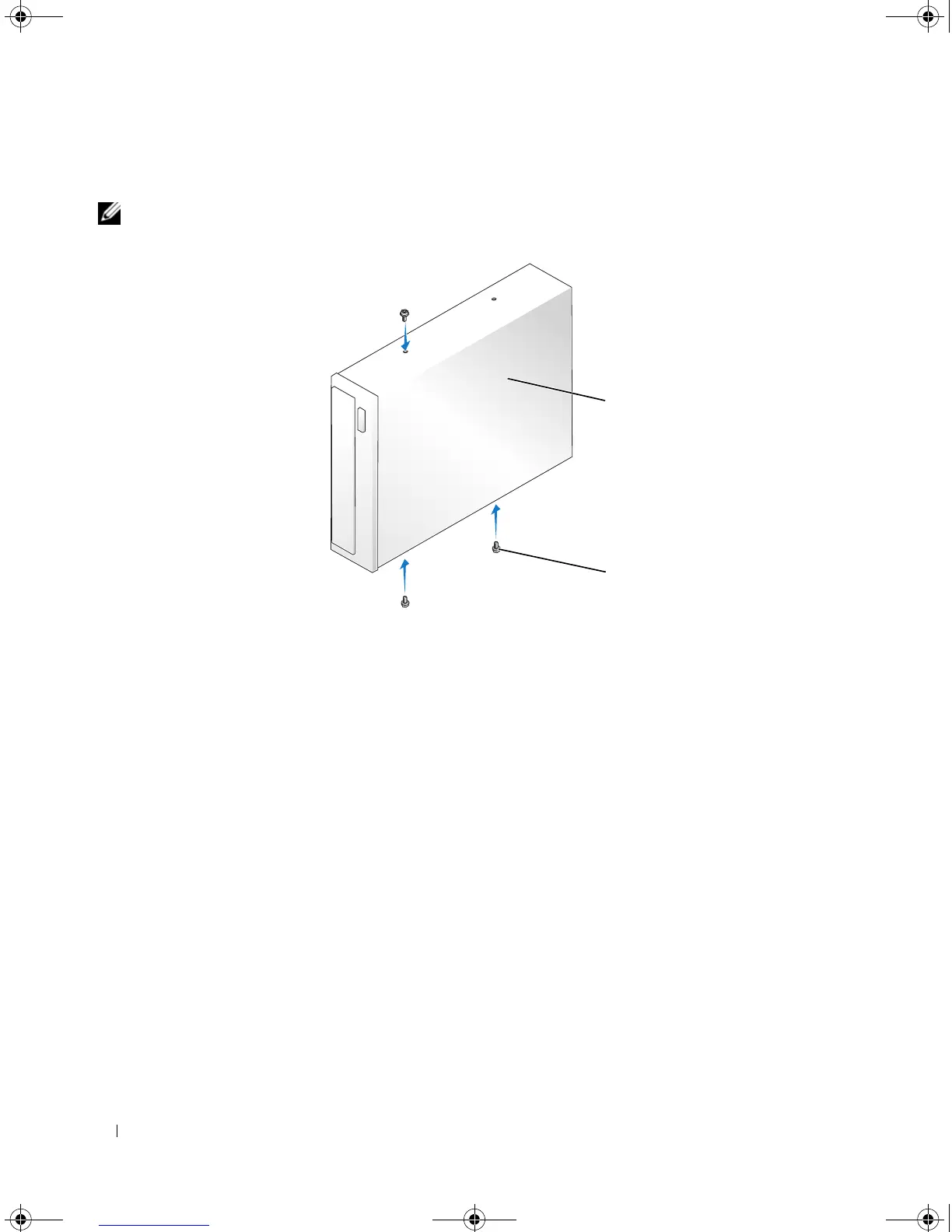
NOTE: In the event that the replacement or new CD/DVD drive does not have shoulder screws, check for the
screws located within the drive panel insert or, if applicable, reuse screws attached to the drive that you are
replacing.
1
Follow the procedures in "Before You Begin" on page 61.
2
If you are installing a new CD/DVD drive rather than replacing a drive, remove the appropriate drive-
panel insert (see "Removing the Drive-Panel Insert" on page 83).
3
Gently slide the drive into place until you feel a click or feel the drive securely installed.
4
Connect the power and data cables to the drive.
1 CD/DVD drive 2 screws (3)
1
2
book.book Page 102 Monday, July 23, 2007 3:47 PM














 To Next Page