64 Removing and Installing Parts
4
Grip the sides of the computer cover and pivot the cover up, using the bottom hinge tabs as leverage
points.
5
Release the cover from the hinge tabs and set it aside in a secure location.
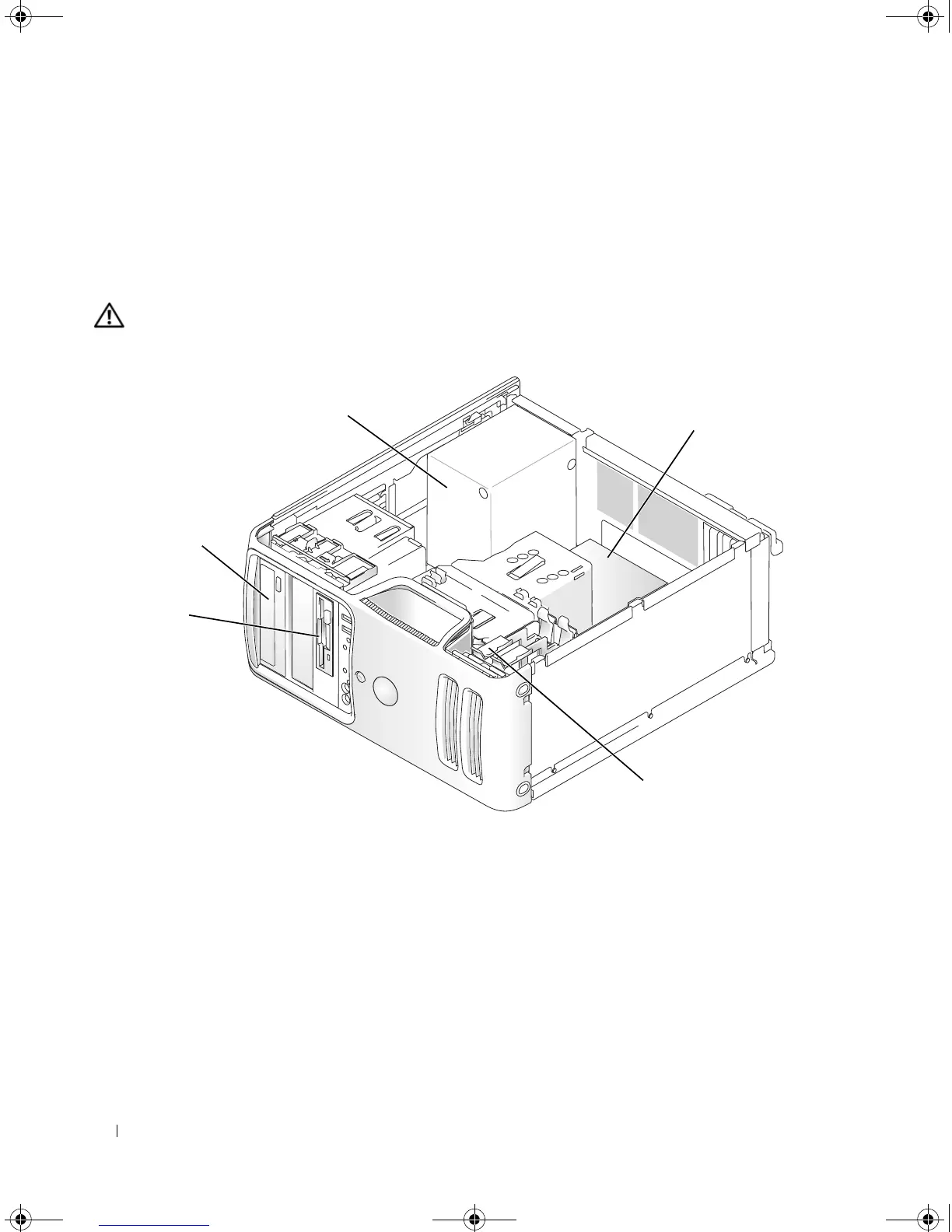
Inside View of Your Computer
CAUTION: Before you begin any of the procedures in this section, follow the safety instructions in the
Product Information Guide.
1 floppy drive or Media Reader 2 CD or DVD drive 3 power supply
4 system board 5 hard drive
5
3
4
*1
2
*May not be present on all computers.
book.book Page 64 Monday, July 23, 2007 3:47 PM














 To Next Page