Pairing your wireless keyboard
15
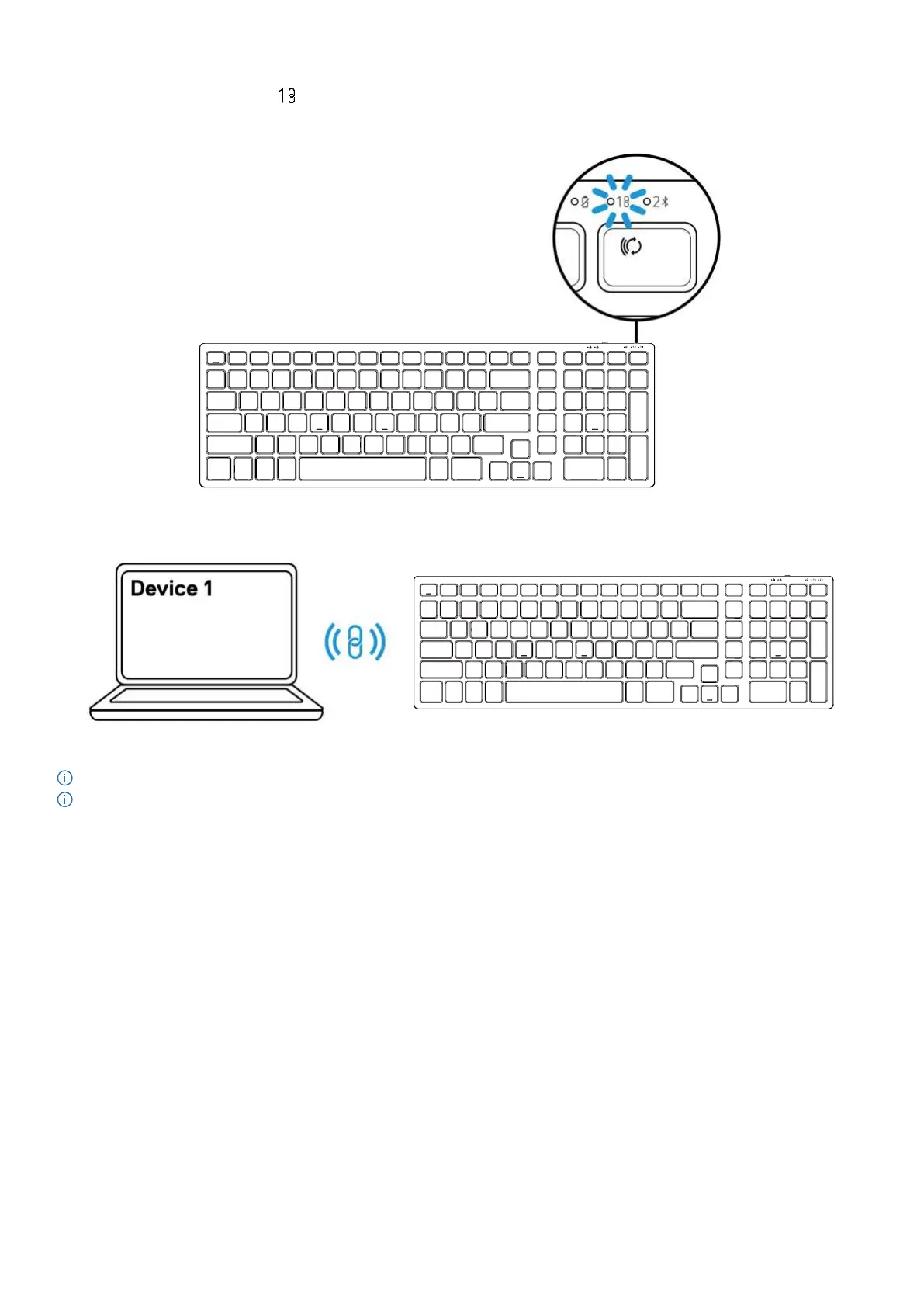
The connection-mode LED indicator ( ) on the keyboard lights up for 30 seconds to indicate the pairing process is in progress, and then
turns off. The keyboard is paired with your computer.
Figure 23. Dell secure link USB receiver connection selected
Figure 24. The keyboard pairing process is completed
NOTE: A USB-C to USB-A adapter (sold separately) is required if your computer does not support USB-A port.
NOTE: The RF device is pre-paired in the factory.


 To Next Page