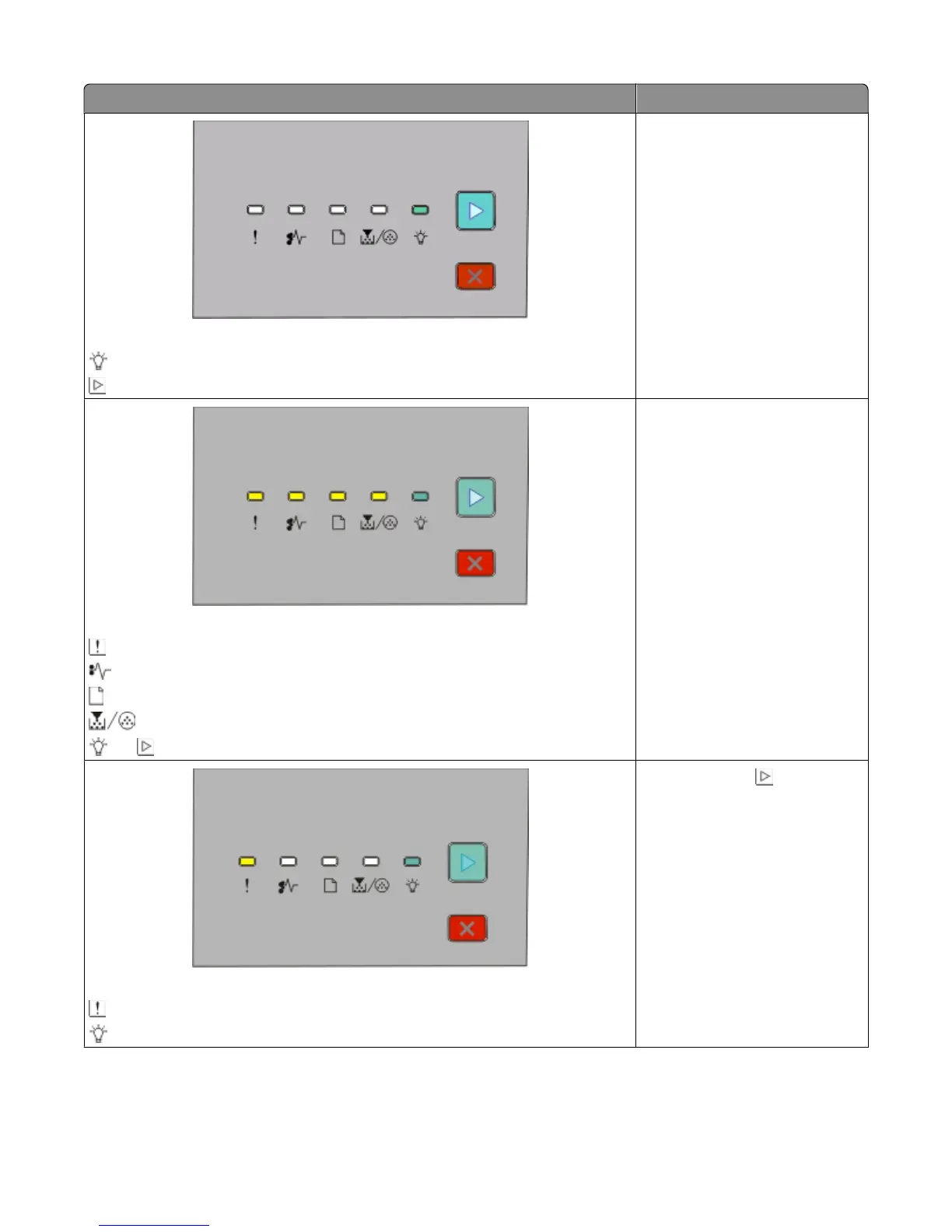
Light sequence What you can do
Waiting
- On
- On
Wait for the light sequence to clear.
Canceling job
- On
- On
- On
- On
- On - On
Wait for the light sequence to clear.
Invalid Engine Code
- On
- On
Press and release . To avoid this
light sequence in the future,
ensure that you use a valid code
when programming the printer.
Interpreting the printer control panel lights
42












 To Next Page