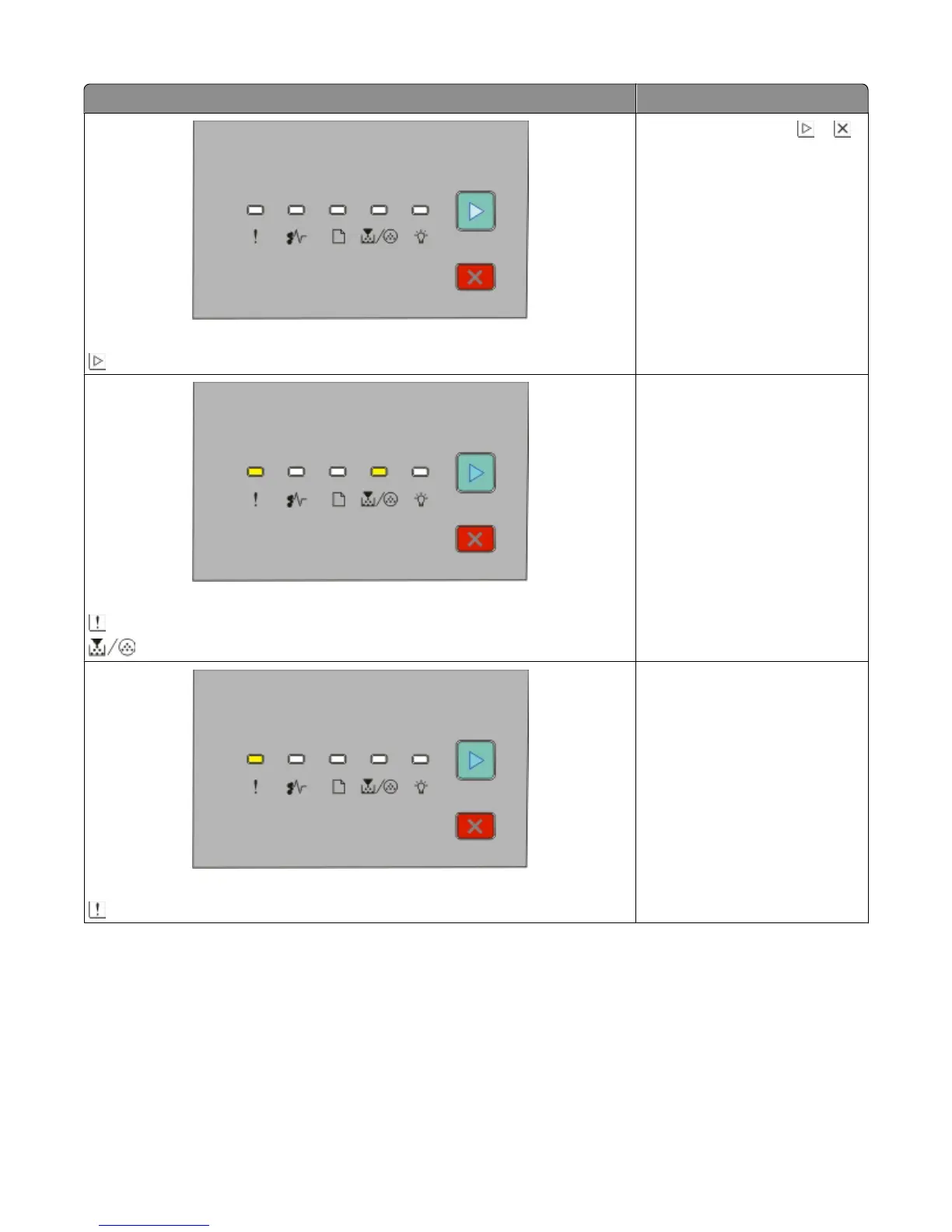
Light sequence What you can do
Not ready
- On
Press and release either or l
to return to the Ready state.
Cartridge region mismatch
- On
- On
Replace the toner cartridge with
one suitable for your region. For
more information, see “Replacing
the toner cartridge” on page 89.
Front door is open
- On
Close the front door.
Interpreting the printer control panel lights
43












 To Next Page