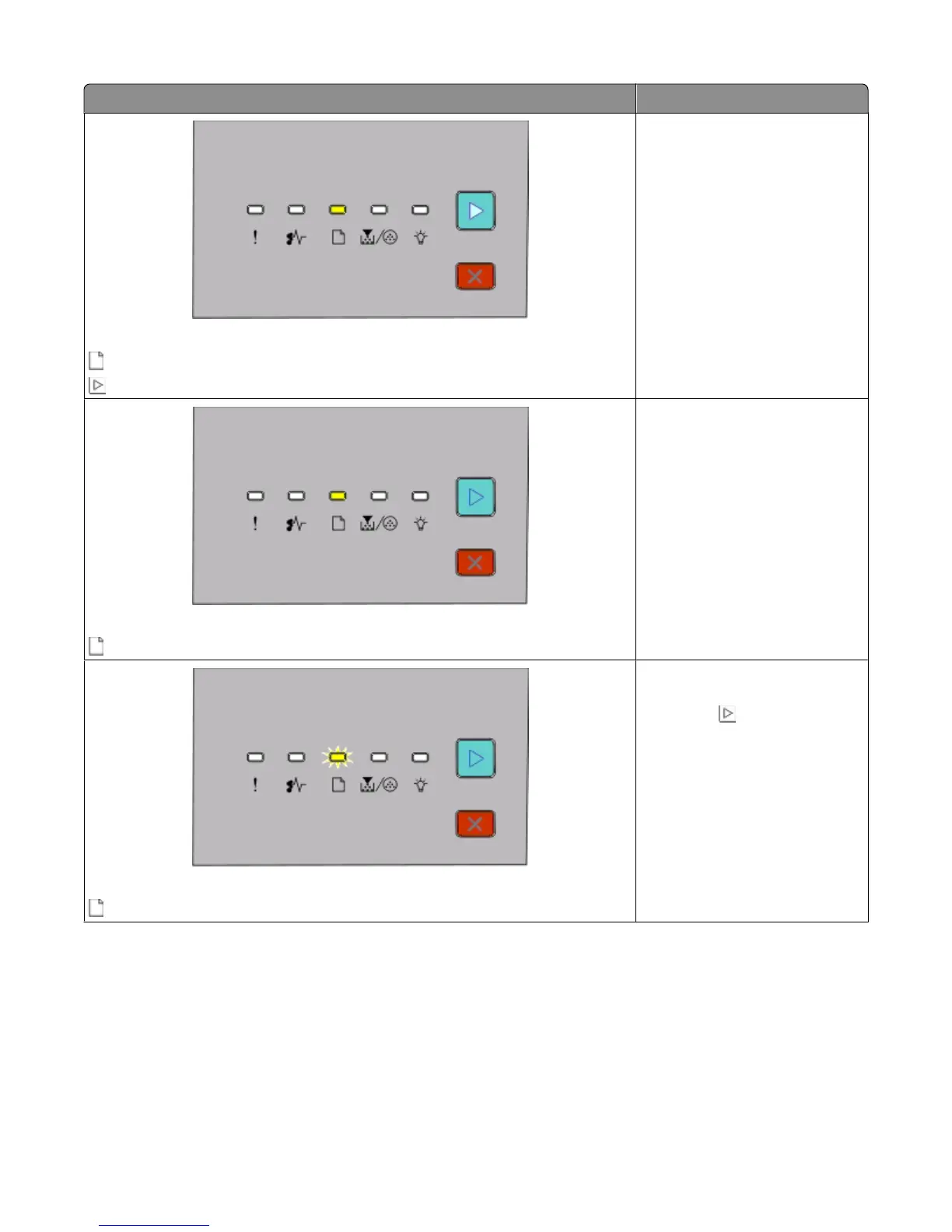
Light sequence What you can do
No paper in Tray 1 or Tray 2
- On
- On
Load paper in Tray 1 or Tray 2.
No paper in manual feeder
- On
Load paper in the manual feeder.
Remove paper from the standard exit bin
- Blinking
Remove printed pages from the
standard exit bin, and then press
and release
to clear the light
sequence and continue printing.
Interpreting the printer control panel lights
44












 To Next Page