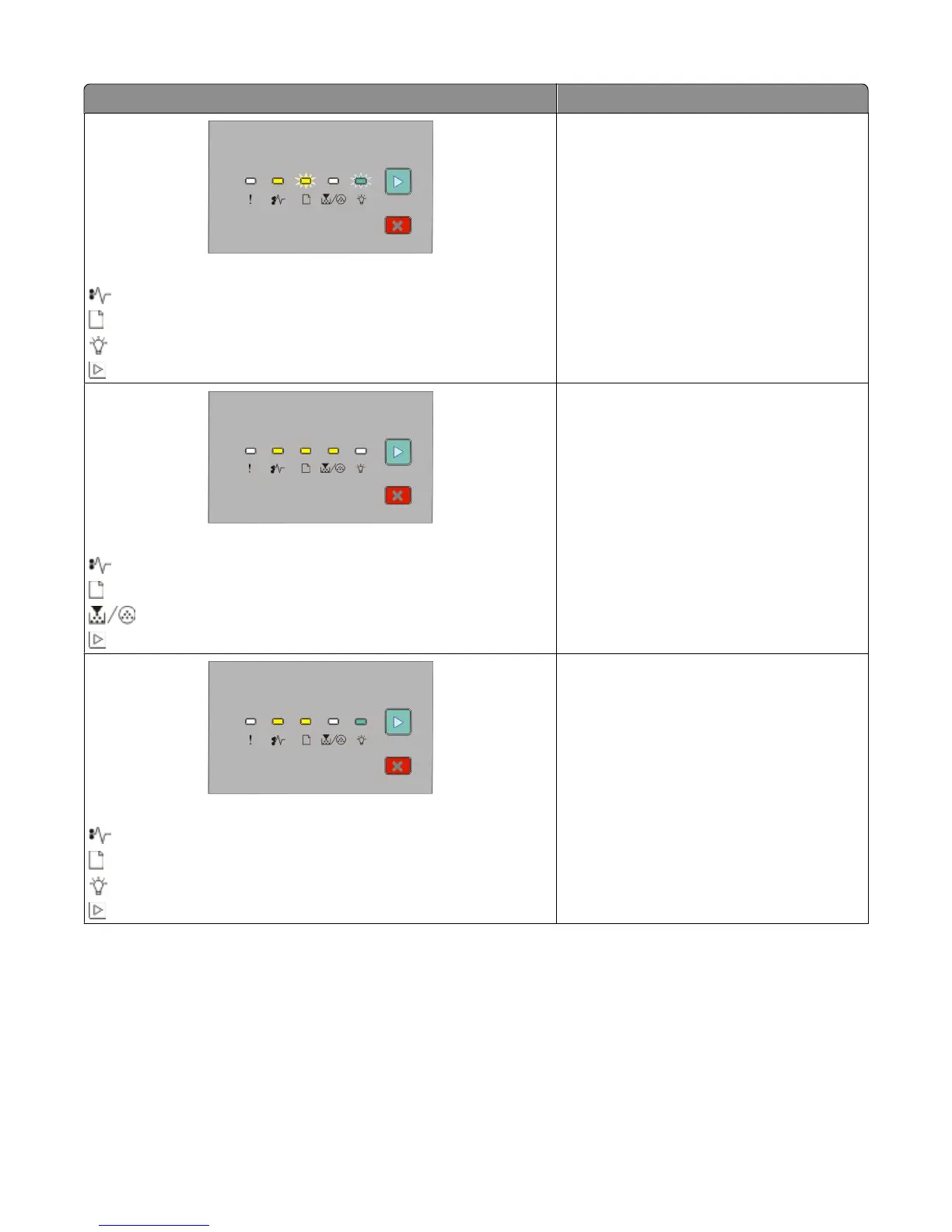
Light sequence What you can do to access the jam
235.yy Paper jam
- On
- Blinking
- Blinking
- On
Try one or more of the following:
• Clear the jam at the standard exit bin.
• Load paper supported by the duplex
function. For more information, see “Paper
sizes supported by the printer” on
page 68.
24x.yy Paper jam
- On
- On
- On
- On
Try one or more of the following:
• Remove Tray 1.
• Remove the photoconductor kit and toner
cartridge unit.
• Remove Tray 2.
24x.yy Paper jam
- On
- On
- On
- On
Try one or more of the following:
• Remove Tray 1.
• Remove the photoconductor kit and toner
cartridge unit.
• Remove Tray 2.
Interpreting the printer control panel lights
53












 To Next Page