Installing the SD Card
1. Push the memory card into the compartment until it clicks into place.
2. Follow the procedures in
After Working Inside Your Computer
.
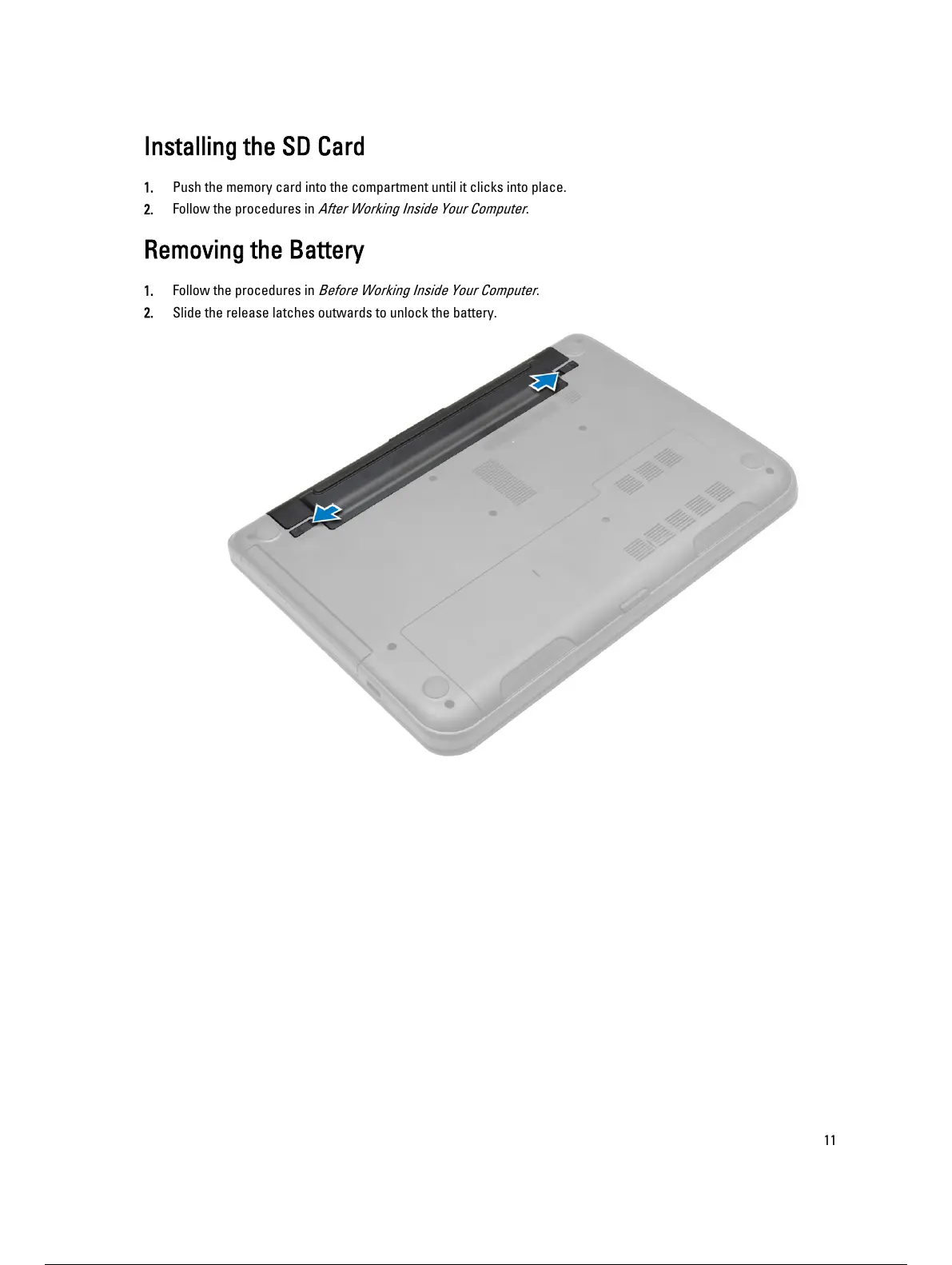
Removing the Battery
1. Follow the procedures in
Before Working Inside Your Computer
.
2. Slide the release latches outwards to unlock the battery.
11
12 / 59 11 / 57 12 / 59


 To Next Page