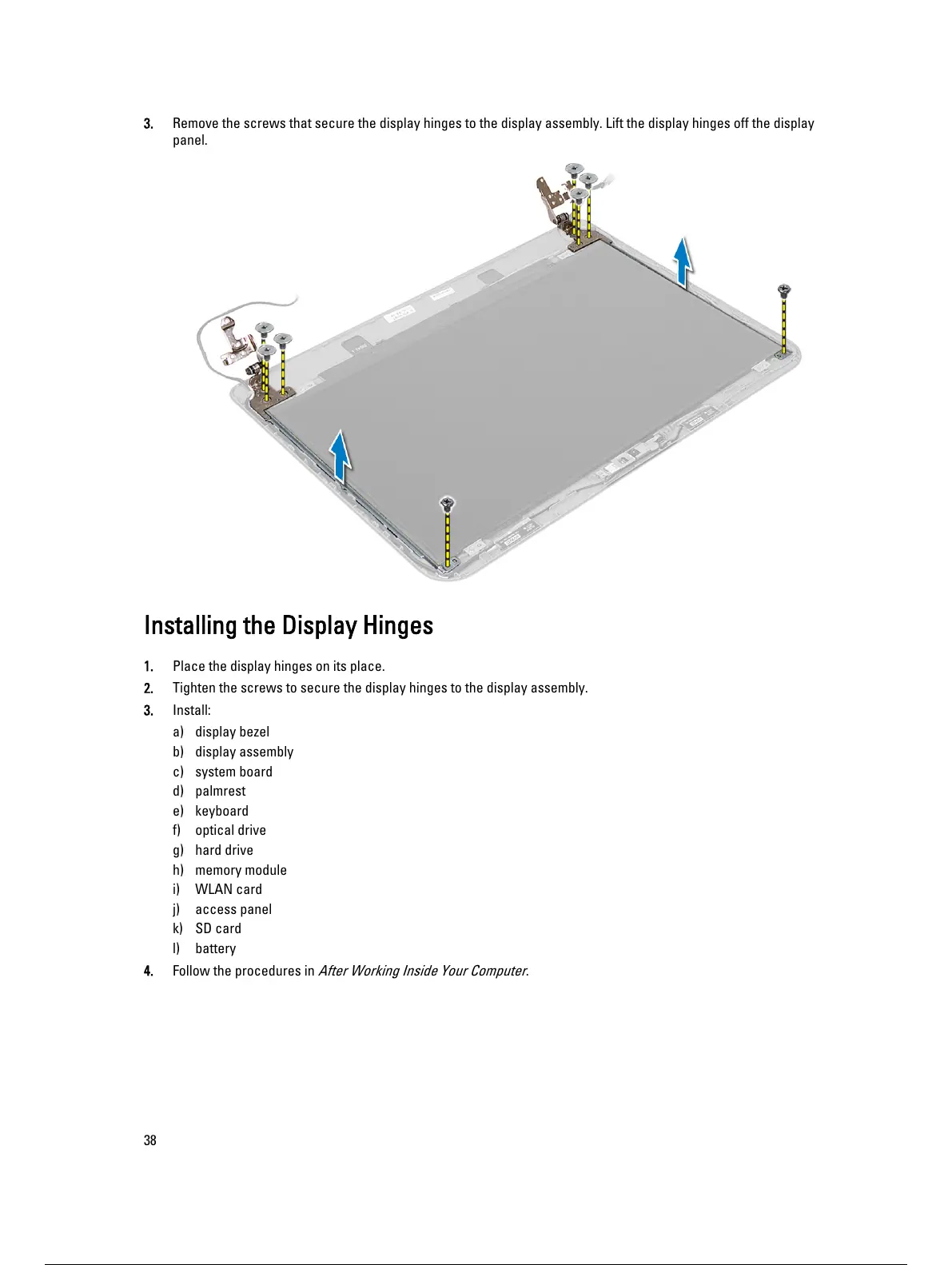
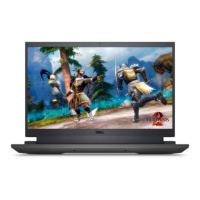
3. Remove the screws that secure the display hinges to the display assembly. Lift the display hinges off the display
panel.
Installing the Display Hinges
1. Place the display hinges on its place.
2. Tighten the screws to secure the display hinges to the display assembly.
3. Install:
a) display bezel
b) display assembly
c) system board
d) palmrest
e) keyboard
f) optical drive
g) hard drive
h) memory module
i) WLAN card
j) access panel
k) SD card
l) battery
4. Follow the procedures in
After Working Inside Your Computer
.
38
39 / 59 38 / 57 39 / 59



 To Next Page