Battery charge and status light
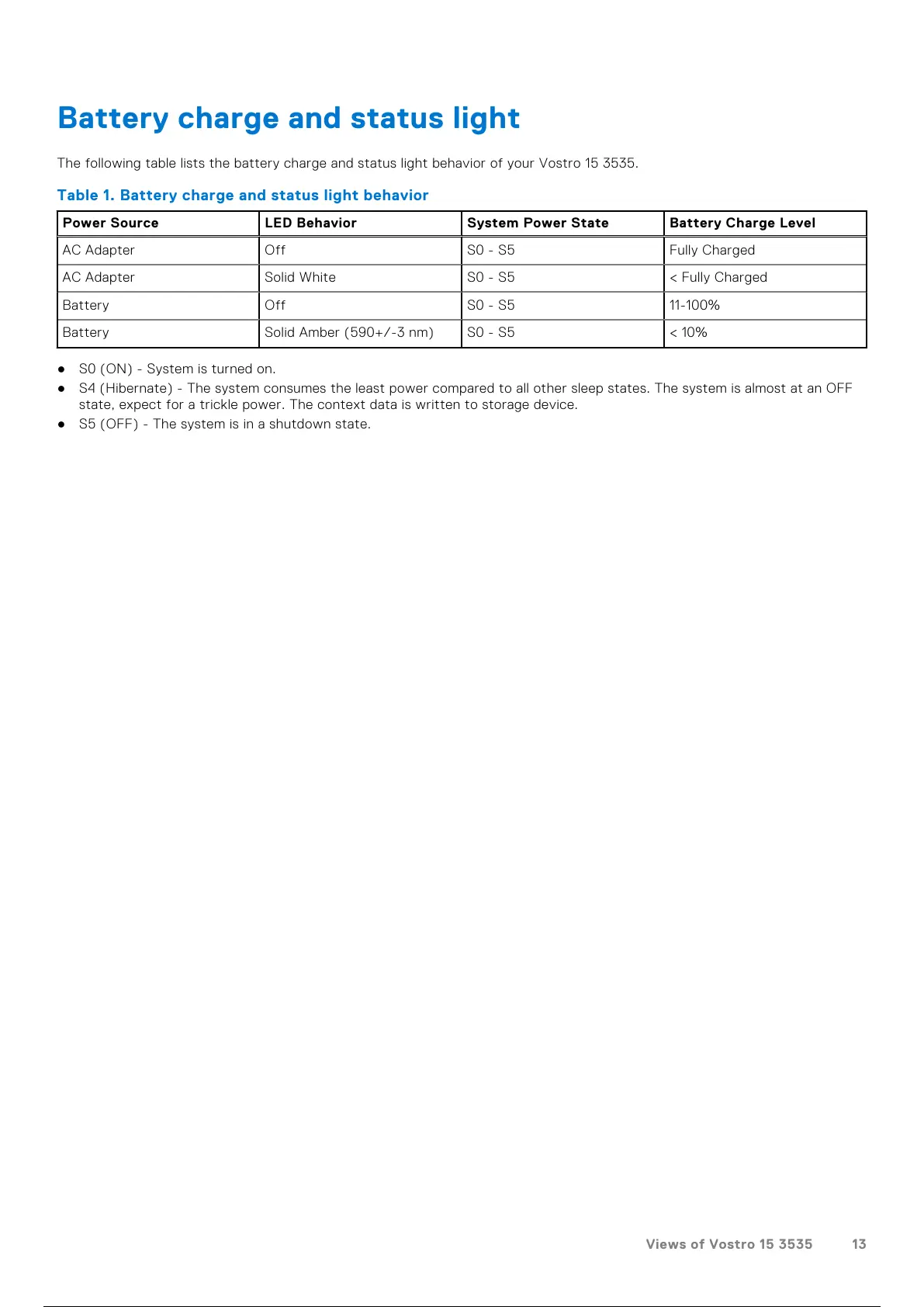
The following table lists the battery charge and status light behavior of your Vostro 15 3535.
Table 1. Battery charge and status light behavior
Power Source LED Behavior System Power State Battery Charge Level
AC Adapter Off S0 - S5 Fully Charged
AC Adapter Solid White S0 - S5 < Fully Charged
Battery Off S0 - S5 11-100%
Battery Solid Amber (590+/-3 nm) S0 - S5 < 10%
● S0 (ON) - System is turned on.
● S4 (Hibernate) - The system consumes the least power compared to all other sleep states. The system is almost at an OFF
state, expect for a trickle power. The context data is written to storage device.
● S5 (OFF) - The system is in a shutdown state.
Views of Vostro 15 3535 13
14 / 156 13 / 154 14 / 156



 To Next Page