Steps
1. Remove the screw (M2.5x3.5) that secures the display-cable bracket to the system board.
2. Lift the display-cable bracket off the system board.
3. Using the pull tab, disconnect the display cable from the system board.
4. Remove the two screws (M2.5x3.5) that secure the left display hinge to the I/O board and palm-rest and keyboard
assembly.
5. Remove the screw (M2x4) that secures the right display hinge to the system board.
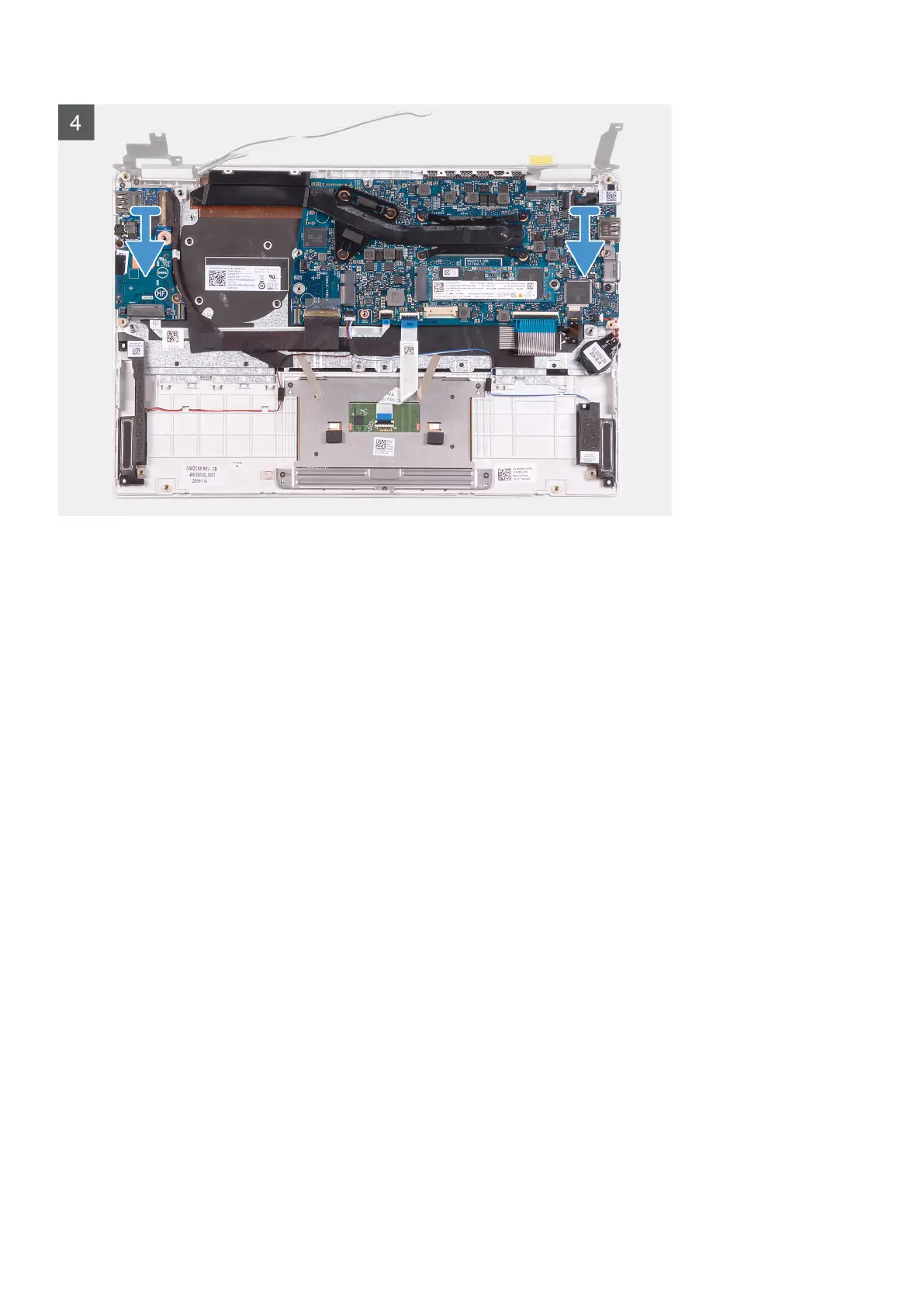
6. Open the display hinges at an angle of 90 degrees.
7. Remove the palm-rest and keyboard assembly off the display assembly.
36
Removing and installing components



 To Next Page