Steps
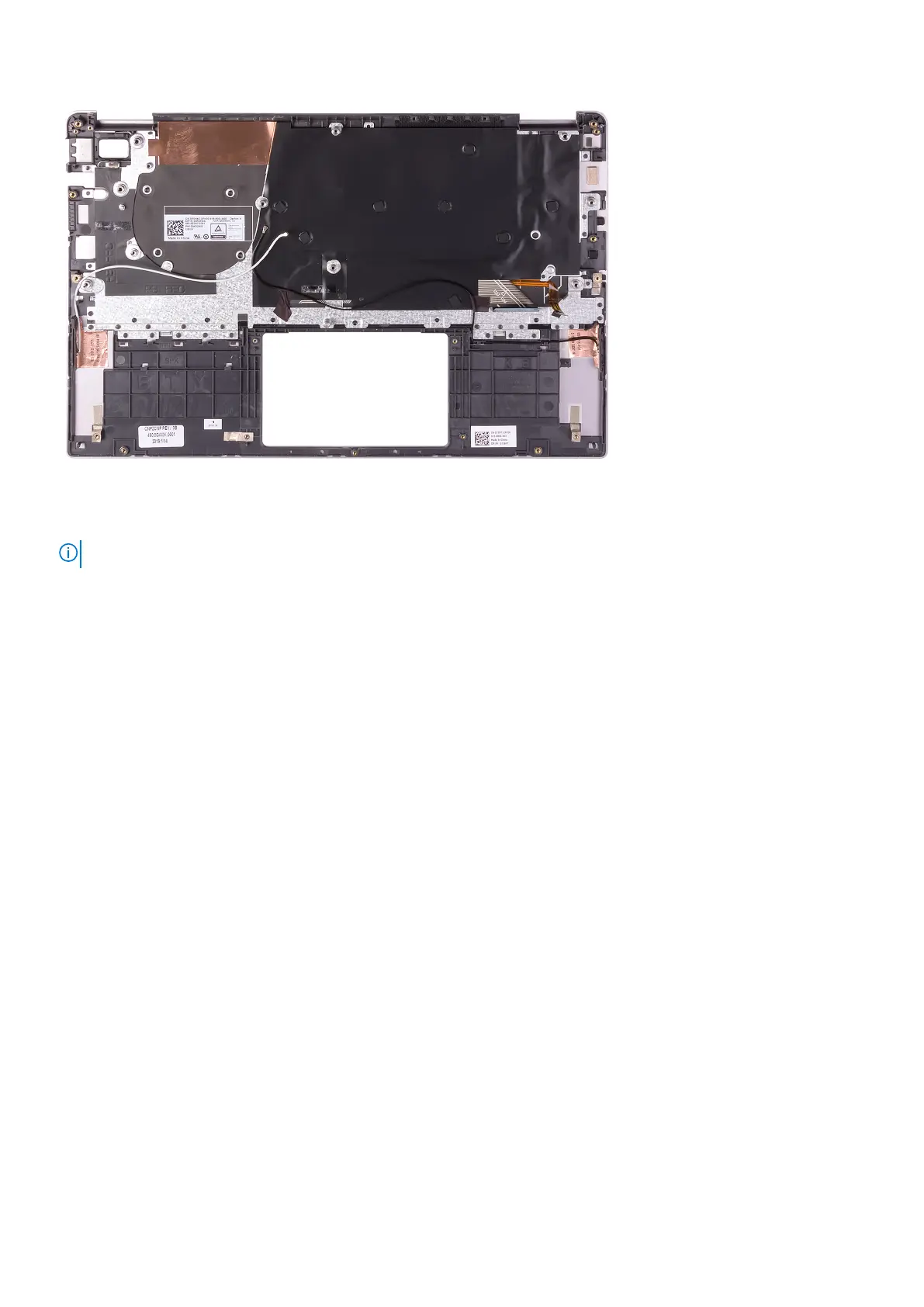
Place the palm-rest and keyboard assembly on a flat surface.
NOTE: Antenna cables are a part of the display back-cover for computers shipping with WWAN configuration.
Next steps
1. Install the touchpad.
2. Install the power-adapter port.
3. Install the power button with fingerprint reader or power-button board, whichever applicable.
4. Install the display assembly.
5. Install the system board.
6. Install the speakers.
7. Install the WLAN card.
8. Install the battery.
9. Install the base cover.
10. Follow the procedure in After working inside your computer.
Removing and installing components
63



 To Next Page