Steps
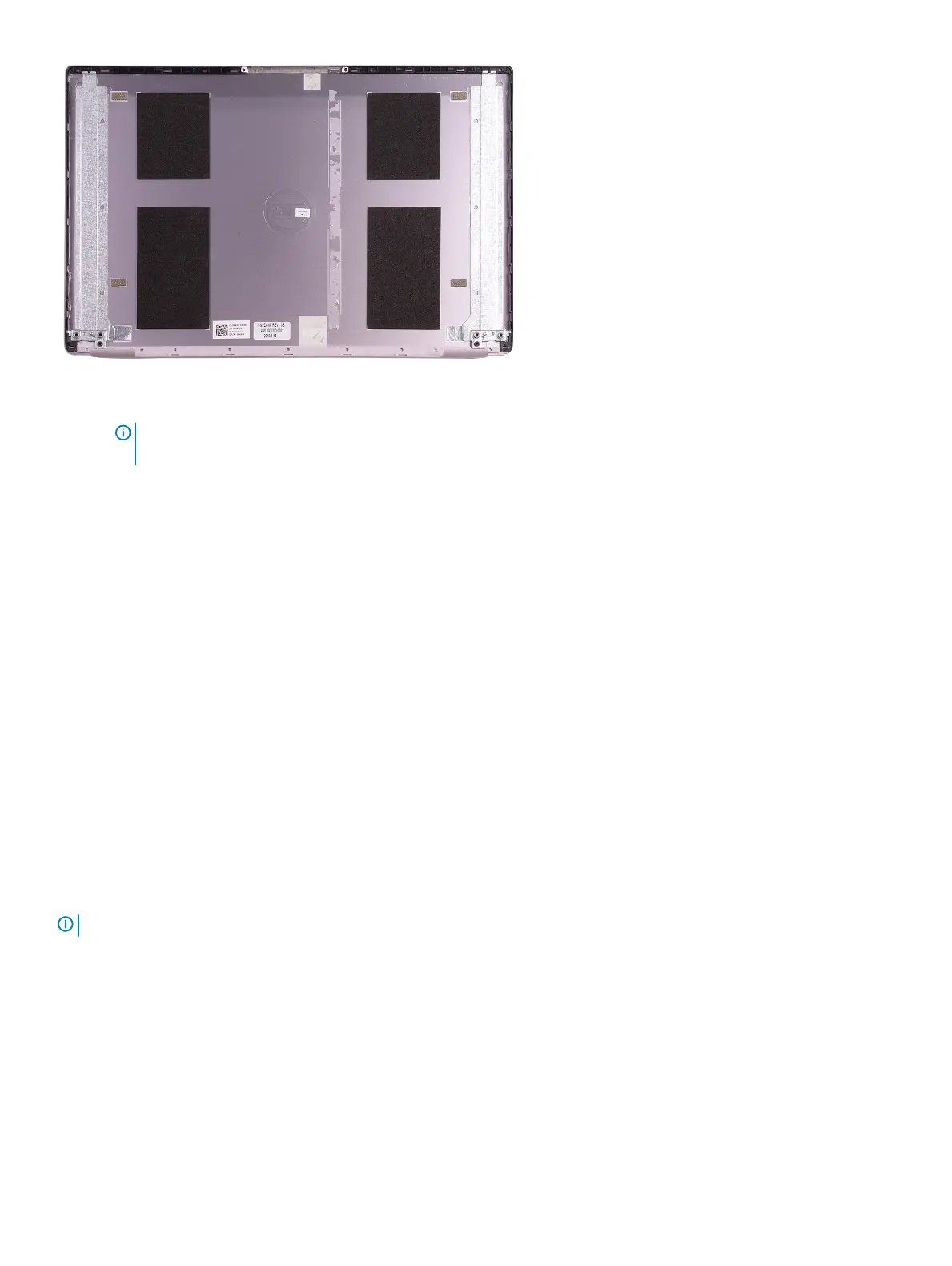
1. Peel off the tape securing the display cable to the back-cover.
2. Peel the display cable off the display back-cover.
Installing the display cable
Prerequisites
NOTE: This procedure is not applicable to computers shipped with a WWAN configuration.
If you are replacing a component, remove the existing component before performing the installation procedure.
About this task
The following image indicates the location of display cable and provides a visual representation of the installation procedure.
60
Removing and installing components



 To Next Page