Operating the monitor | 55
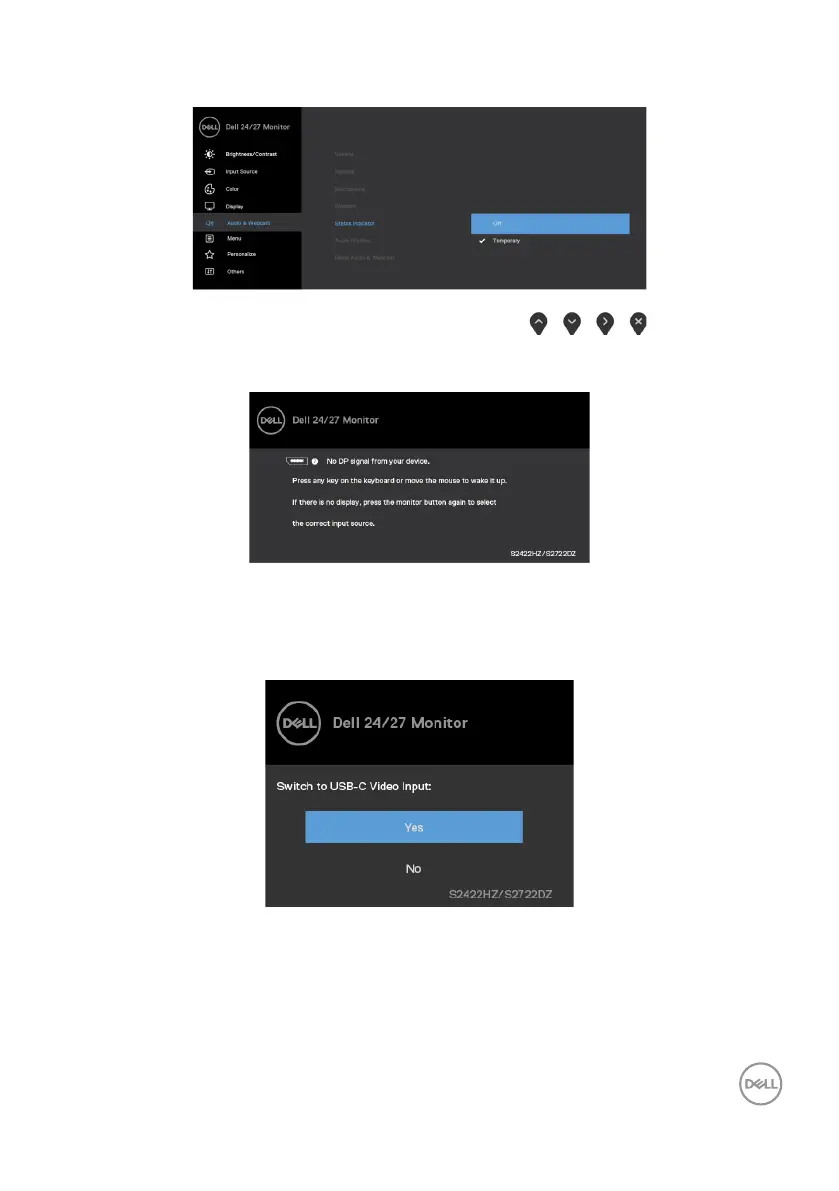
If you want to disable it, select “Audio & Webcam->Status Indicator->Off” in the OSD
menu.
If you press any button other than the power button, the following messages appear
depending on the selected input.
A message is displayed while the cable supporting DP alternate mode is connected to
the monitor under the following conditions:
• When Auto select for USB-C is set to Prompt for Multiple Inputs.
• When the USB-C cable is connected to the monitor.



 To Next Page