56 | Operating the monitor
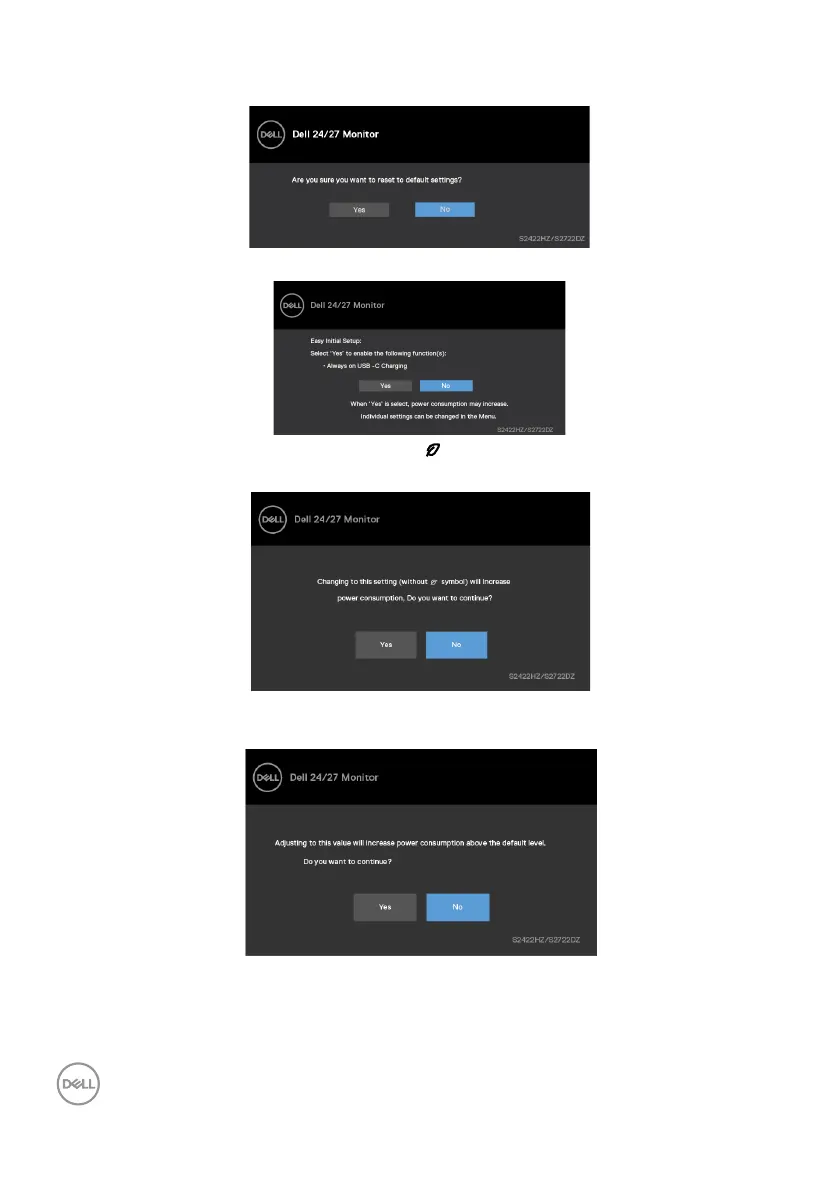
The following message is displayed if you select OSD items of Factory Reset in Other
feature.
The following message is displayed when you select ‘Yes‘ to reset to default settings.
Select OSD items of On in Standby Mode in Personalize feature, the following
message is displayed.
If you adjust the brightness level above the default level beyond 75%, the following
message is displayed.
• When you select “Yes”, the power message is displayed only once.
• When you select ‘No’, the power warning message is displayed again.



 To Next Page