Operating the monitor | 57
• The power warning message appears again only when you do a Factory Reset
from the OSD menu.
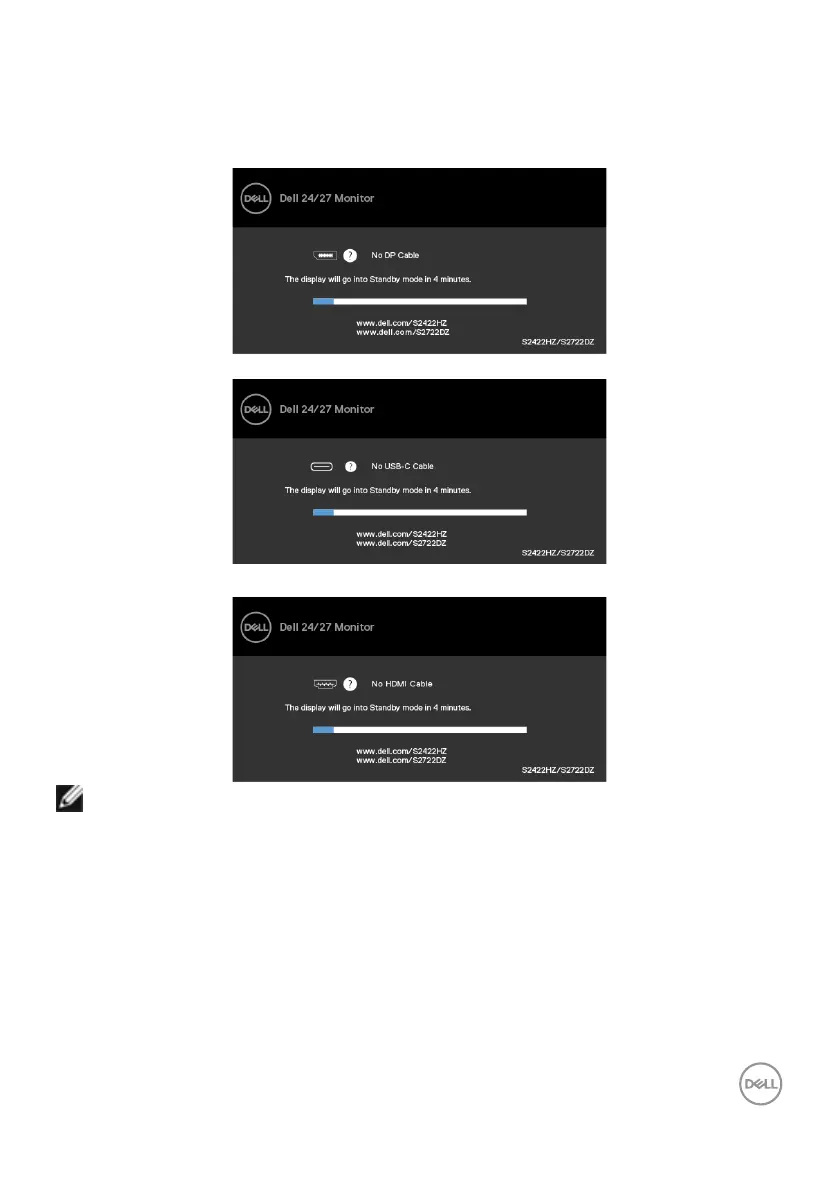
If USB-C, DP, or HDMI input is selected and the corresponding cable is not connected,
the following dialog box is displayed.
or
or
NOTE: For microphone and webcam to work, you must connect the USB-C
to C upstream cable from the computer to the monitor.
See Troubleshooting for more information.



 To Next Page