Operating your monitor │ 39
Icon Menu and
Submenus
Description
Preset
Modes
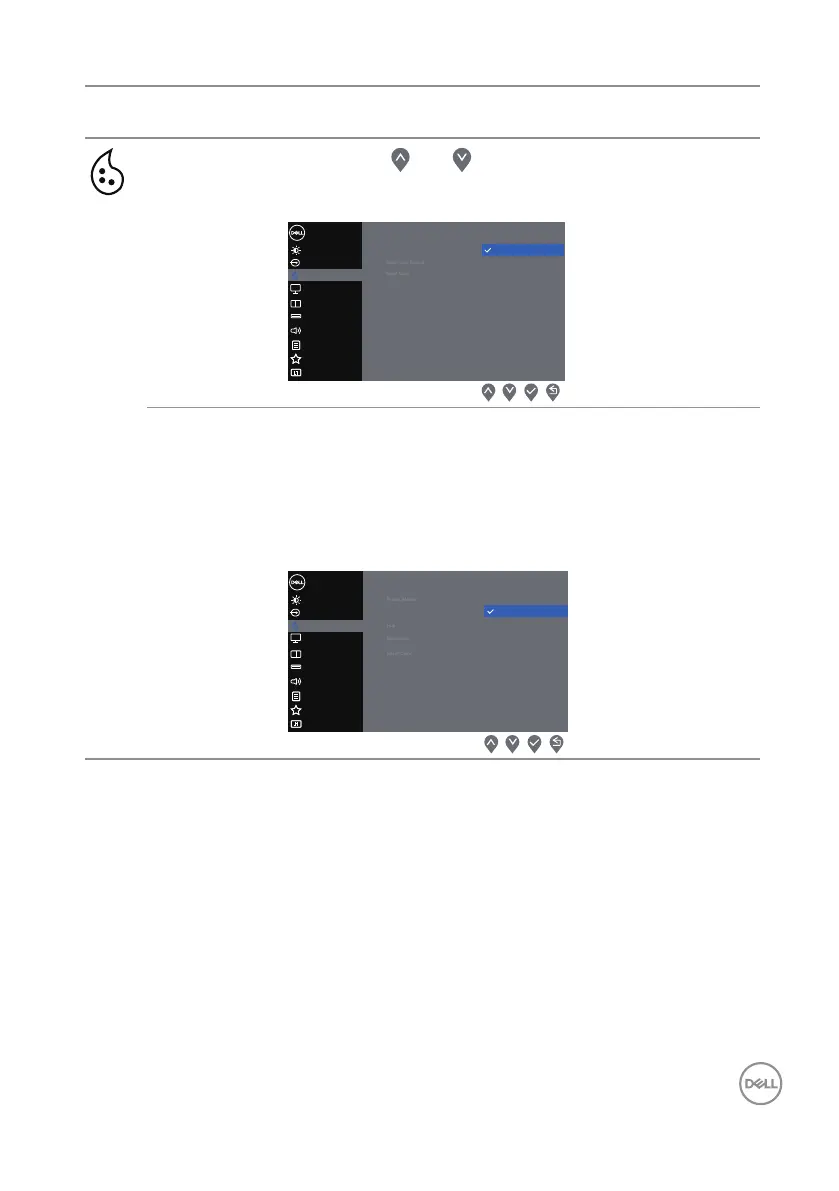
Presses the and buttons to adjust the three
colors (R, G, B) values and create your own preset
color mode.
Display
Brightness / Contrast
Dell 34 Monitor
Input Source
Color
Menu
Audio
Menu
Others
Others
PersonalizePersonalize
Audio
PIP/PBP
USB Selection
Preset Modes
Standard
Movie
FPS
RTS
RPG
Warm
Cool
Custom Color
Input Color
Format
Allows you to set the video input mode to:
∞ RGB: Selects this option if your monitor is connected
to a computer or a media player that supports RGB
output.
∞ YCbCr: Selects this option if your media player sup-
ports only YCbCr output.
Display
Brightness / Contrast
Dell 34 Monitor
Input Source
Color
Menu
Audio
Menu
Others
Others
PersonalizePersonalize
Audio
PIP/PBP
USB Selection
Input Color Format
YCbCr
RGB



 To Next Page