Setting Up Your Dell™ Streak 13
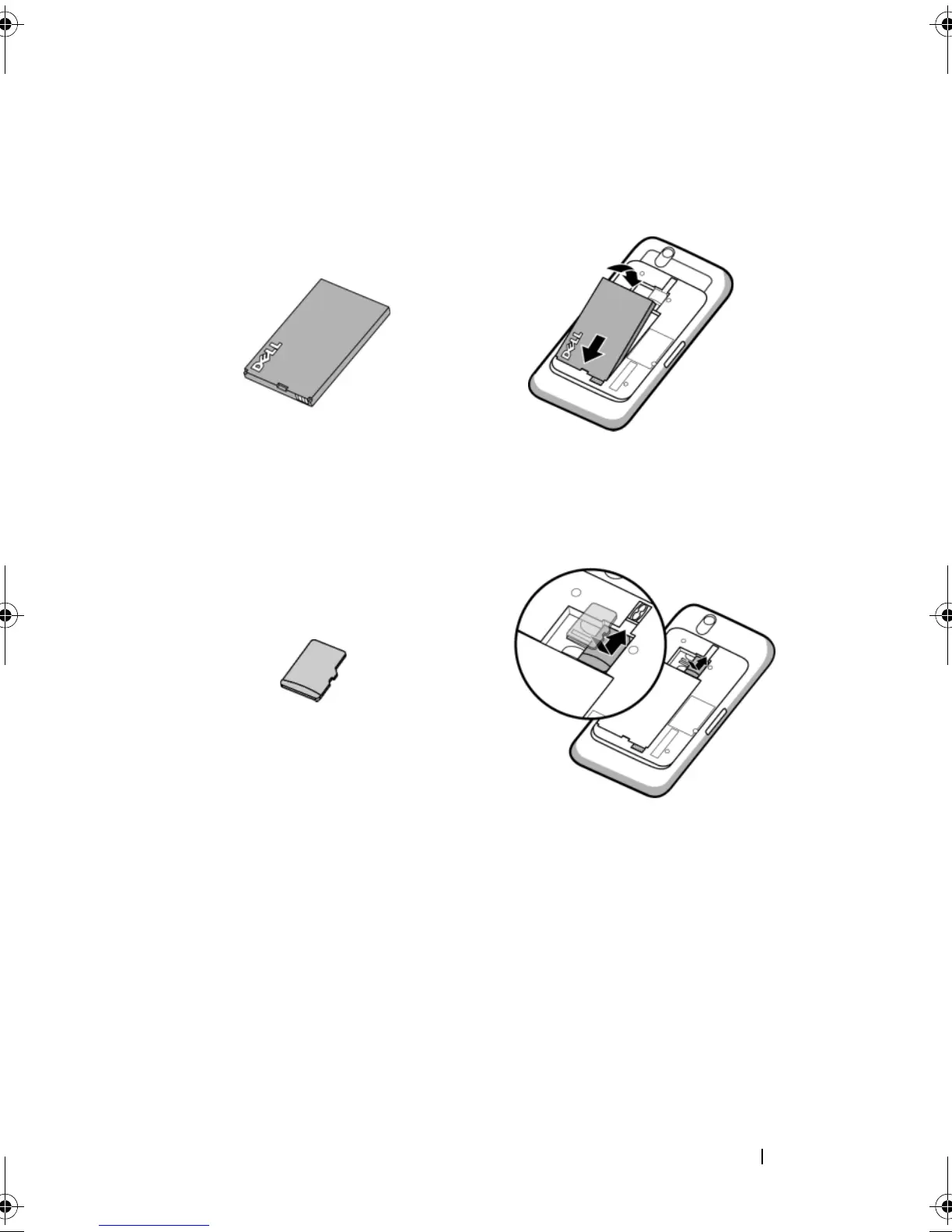
3 Insert the battery
4 Install the microSD card
Align the metal contacts on the battery with the contacts on the battery
holder and insert the battery.
a Hold the microSD card with the metal contacts facing down.
b Slide the microSD card into the microSD card holder.
bk0.book Page 13 Friday, November 19, 2010 12:24 PM














 To Next Page