14 Setting Up Your Dell™ Streak
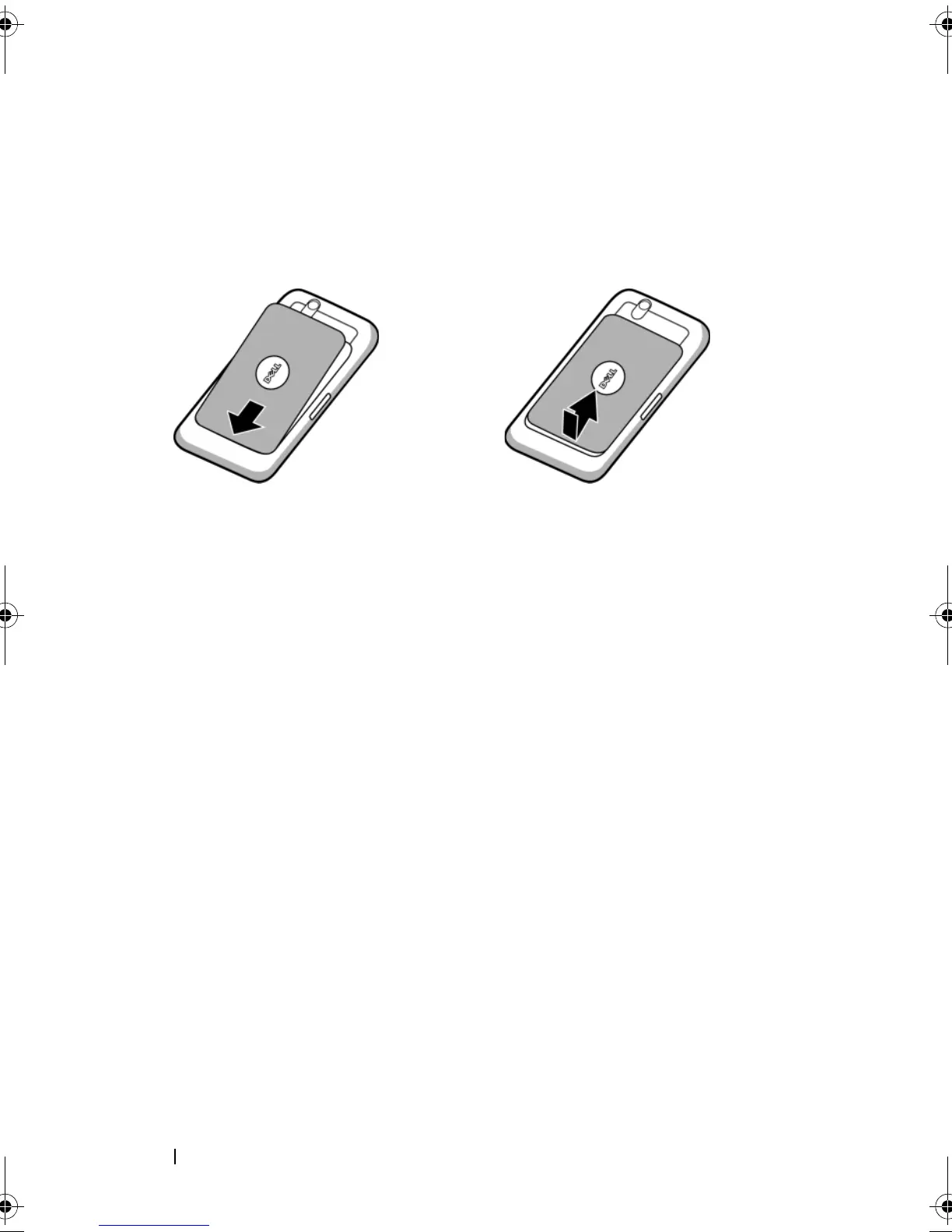
5 Close the back cover
a Push the end of the back cover against the groove near the bottom of the
device.
b Place the cover onto the back of the device, and then push the cover
towards the top of the device to secure the cover in place.
bk0.book Page 14 Friday, November 19, 2010 12:24 PM














 To Next Page