18 Understanding Your Dell™ Streak
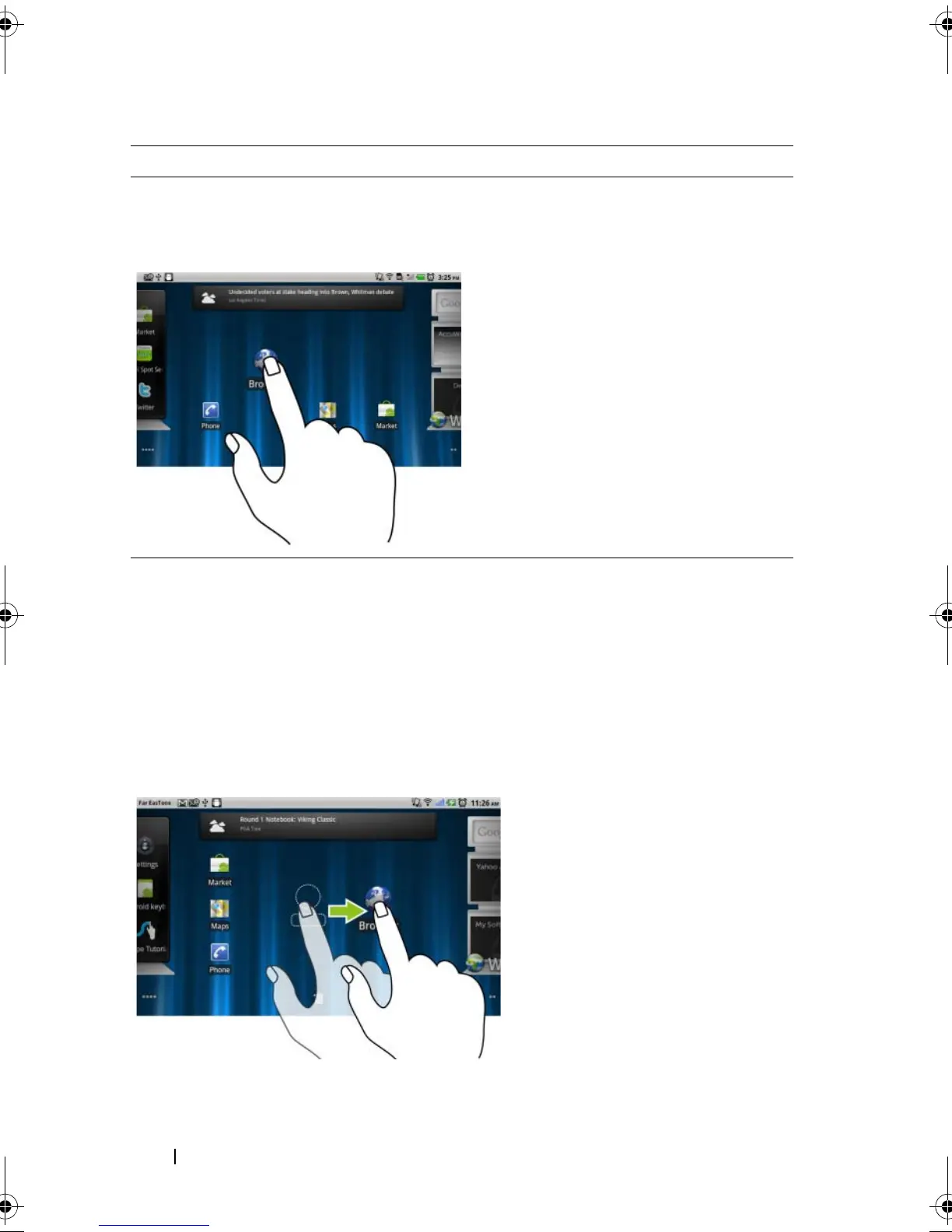
Touch and hold
Touch and hold your finger on the
screen.
• Enable the moving mode of an
item on the Home screen.
• Open the context menu.
Drag
1 Touch and hold your finger on an
item on the screen.
2 Keeping your finger in contact with
the screen, move your fingertip to
the desired location.
3 Take your finger off the screen to
drop the item in the desired
location.
• Move items such as images and
icons on the screen.
• Scroll through Home screens, web
pages, lists, entries, photo
thumbnails, contacts, and so on.
Finger Gestures Allows you to:
bk0.book Page 18 Friday, November 19, 2010 12:24 PM














 To Next Page