Understanding Your Dell™ Streak 19
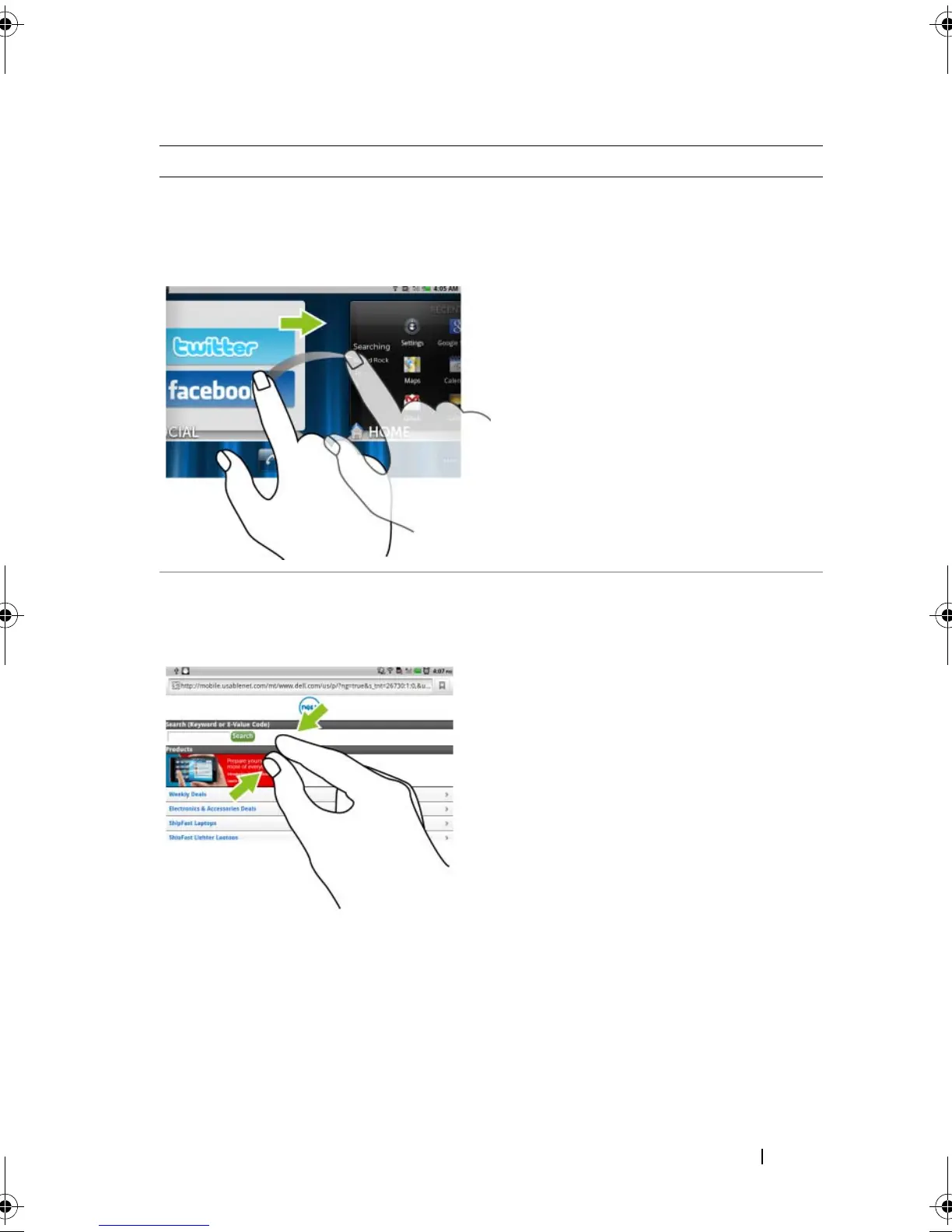
Flick or swipe
Move your finger in a vertical or
horizontal direction on the
screen.
Quickly scroll through Home screens,
web pages, lists, entries, photo
thumbnails, contacts, and so on.
Zoom-out
Move two fingers close together on
the screen.
Reduce the view of an image or web
page
(zoom out).
Finger Gestures Allows you to:
bk0.book Page 19 Friday, November 19, 2010 12:24 PM














 To Next Page