13
Wireless Local Area Network
(WLAN) Card
Removing The Wireless Local Area Network
(WLAN) Card
1. Follow the procedures in
Before Working On Your Computer
2. Remove the
battery
.
3. Remove the
access panel
.
4. Remove the
keyboard
.
5. Remove the
palm rest
.
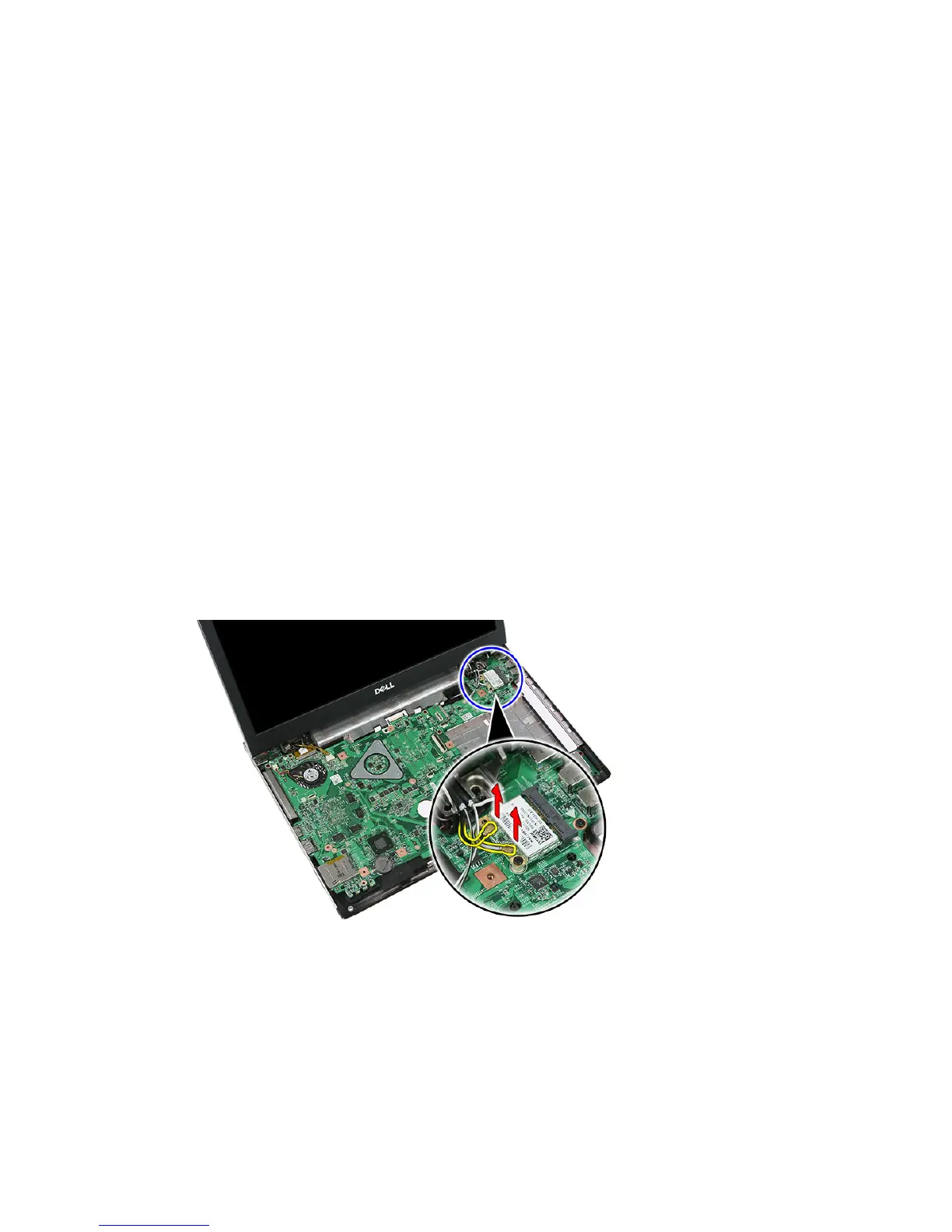
6. Disconnect the antenna cables that may be connected to the WLAN card.
7. Remove the screw that secures the WLAN card.
37














 To Next Page