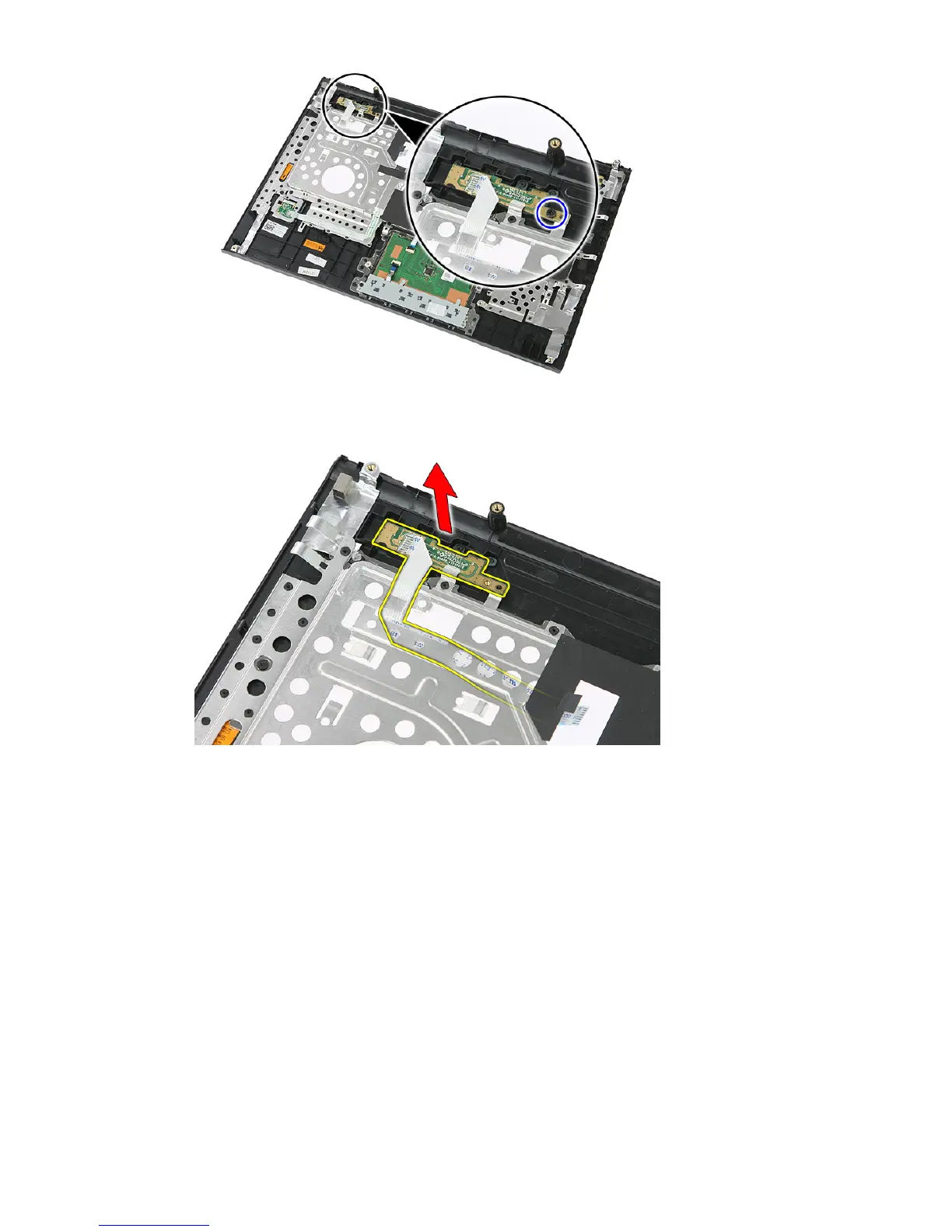
8. Lift up the quick-launch button board and remove.
Installing The Quick Launch Button Board
1. Install the quick launch button board.
2. Replace the screw that secures the quick launch button board.
3. Install the
palm rest
.
4. Install the
keyboard
.
5. Install the
access panel
.
6. Install the
battery
.
7. Follow the procedures in
After Working Inside Your Computer
.
60














 To Next Page