19
Quick Launch Button Board
Removing The Quick-Launch Button Board
1. Follow the procedures in
Before Working On Your Computer
.
2. Remove the
battery
.
3. Remove the
access panel
.
4. Remove the
keyboard
.
5. Remove the
palm rest
.
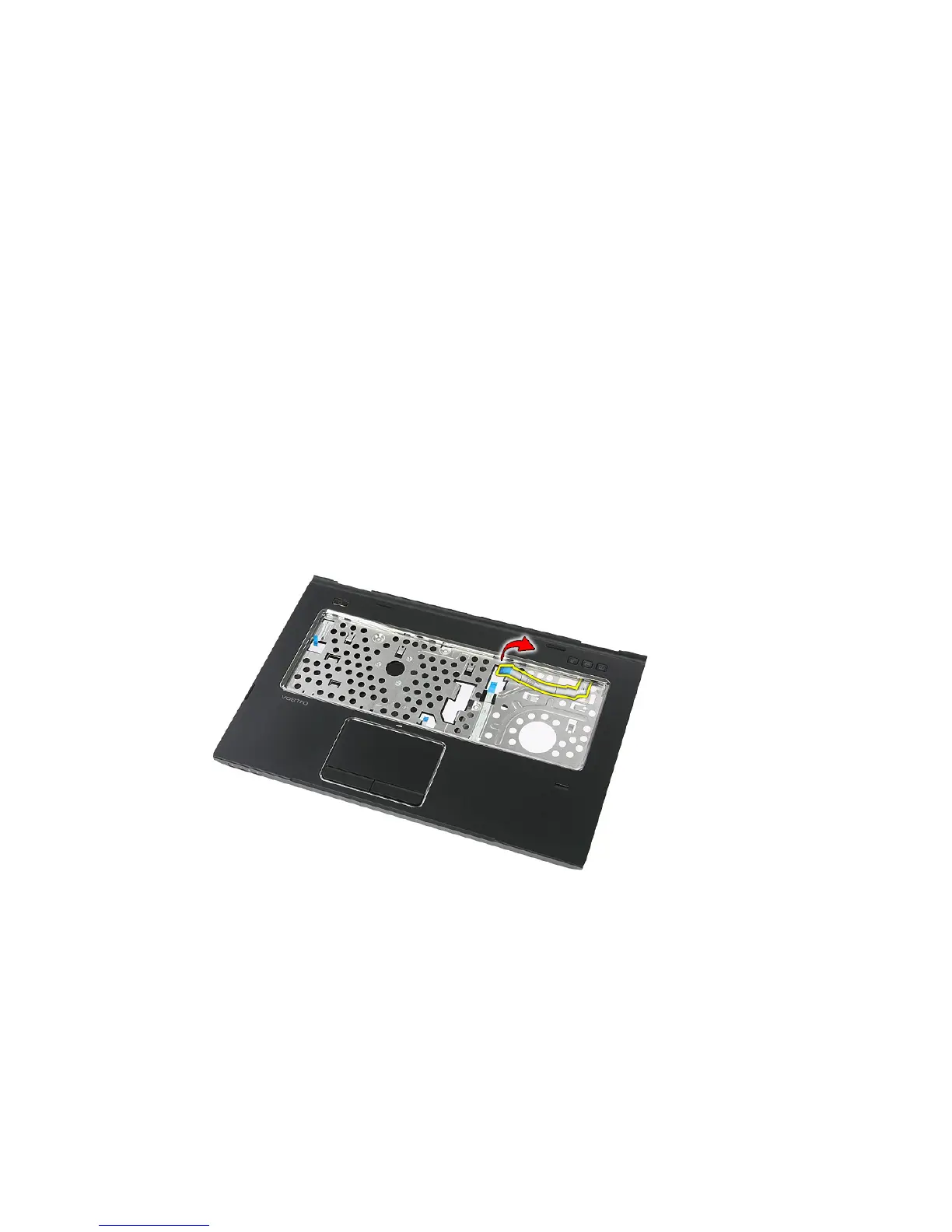
6. Release the quick-launch button board cable from the adhesive affixed to
the palm rest.
7. Remove the screw that secures the quick-launch button board.
59














 To Next Page