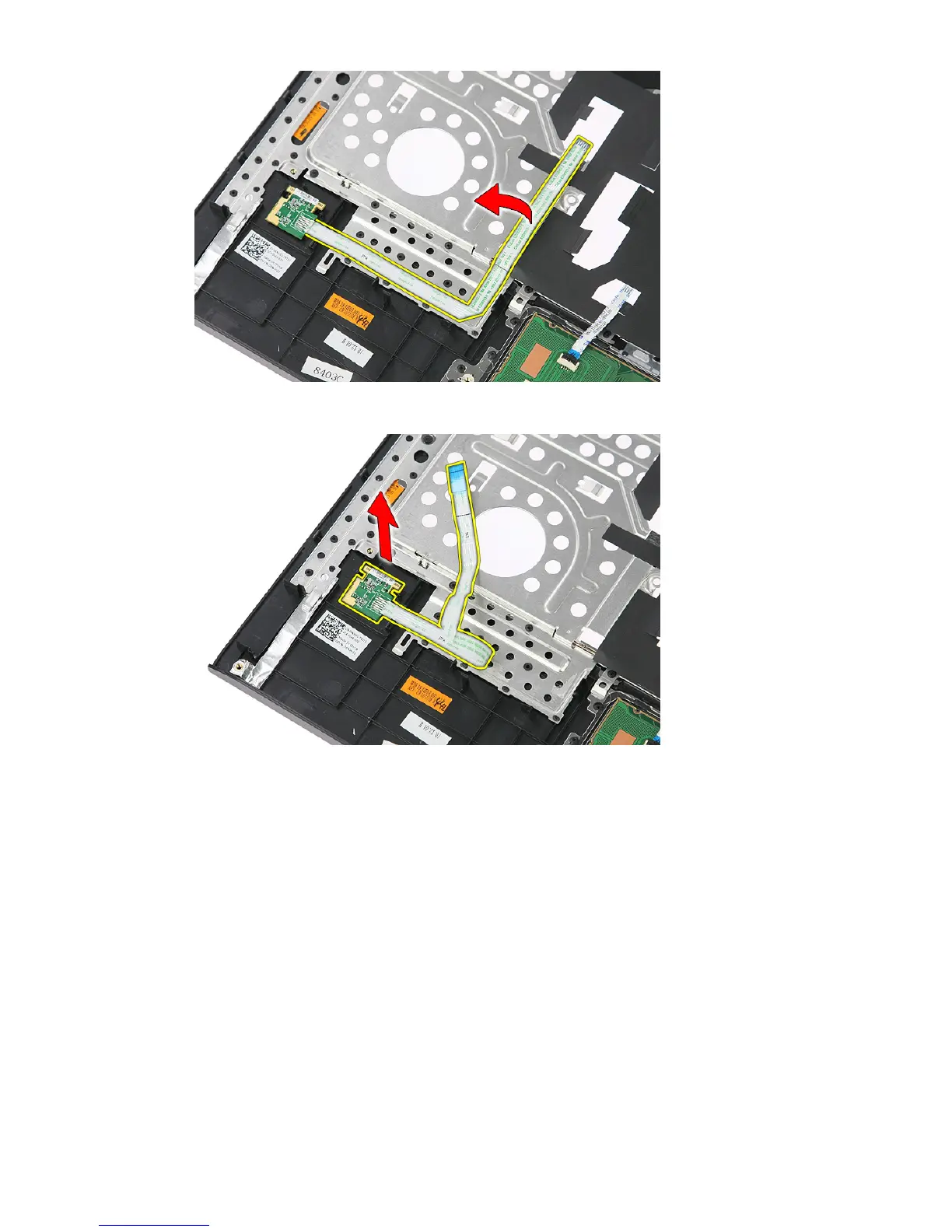
10. Lift up the fingerprint-reader board and remove.
Installing The Fingerprint Reader
1. Affix the fingerprint-reader cable to the palm rest.
2. Tighten the screw securing the fingerprint-reader bracket.
3. Install the
palm rest
.
4. Install the
keyboard
.
5. Install the
access panel
.
6. Install the
battery
.
7. Follow the procedures in
After Working Inside Your Computer
.
49














 To Next Page