20
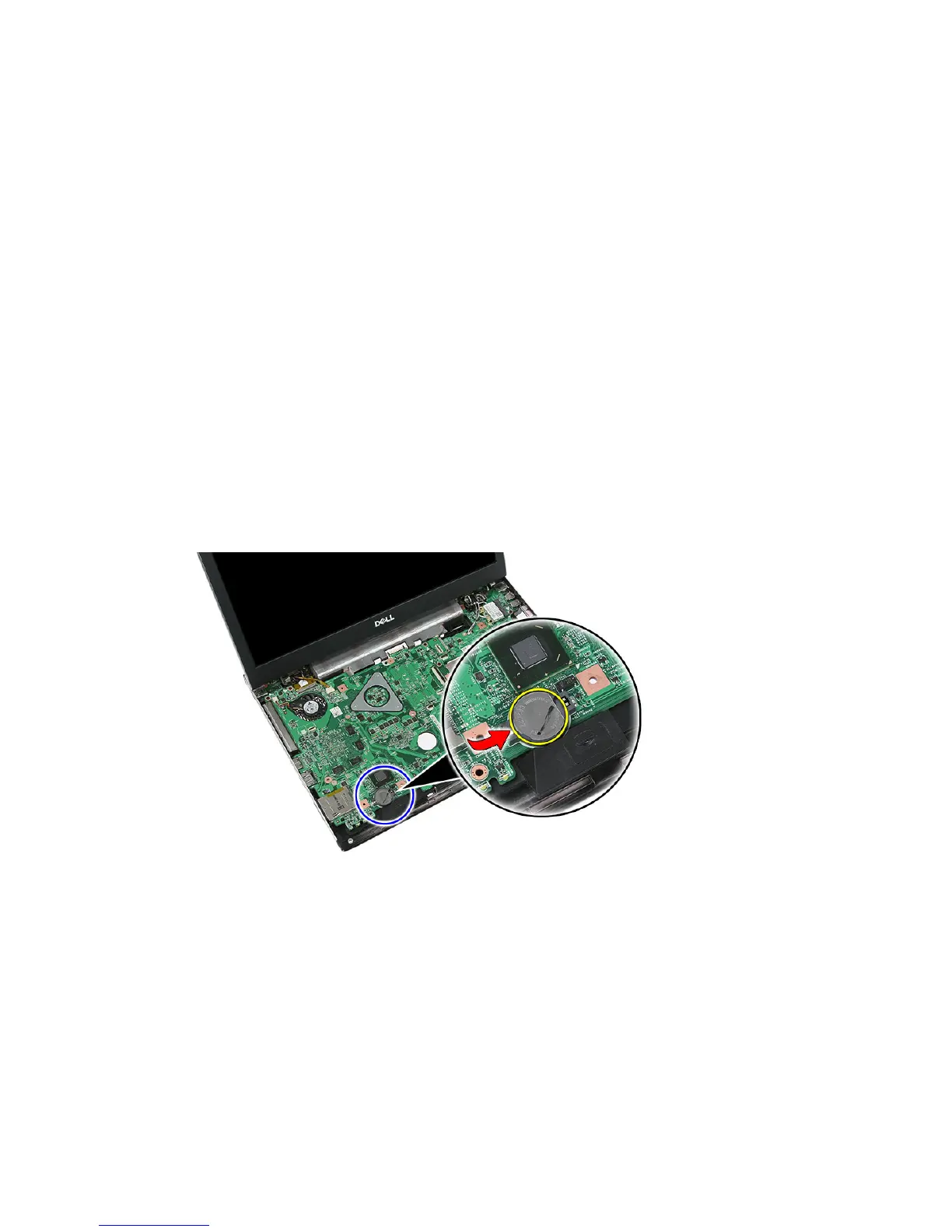
Coin-Cell Battery
Removing The Coin-Cell Battery
1. Follow the procedures in
Before Working On Your Computer
2. Remove the
battery
.
3. Remove the
access panel
.
4. Remove the
keyboard
.
5. Remove the
palm rest
.
6. Press on the coin-cell battery to release it from the system board.
Installing The Coin-Cell Battery
1. Insert the coin-cell battery into the slot.
2. Press on the coin-cell battery until it secures into place.
3. Install the
palm rest
.
4. Install the
keyboard
.
5. Install the
access panel
.
61














 To Next Page