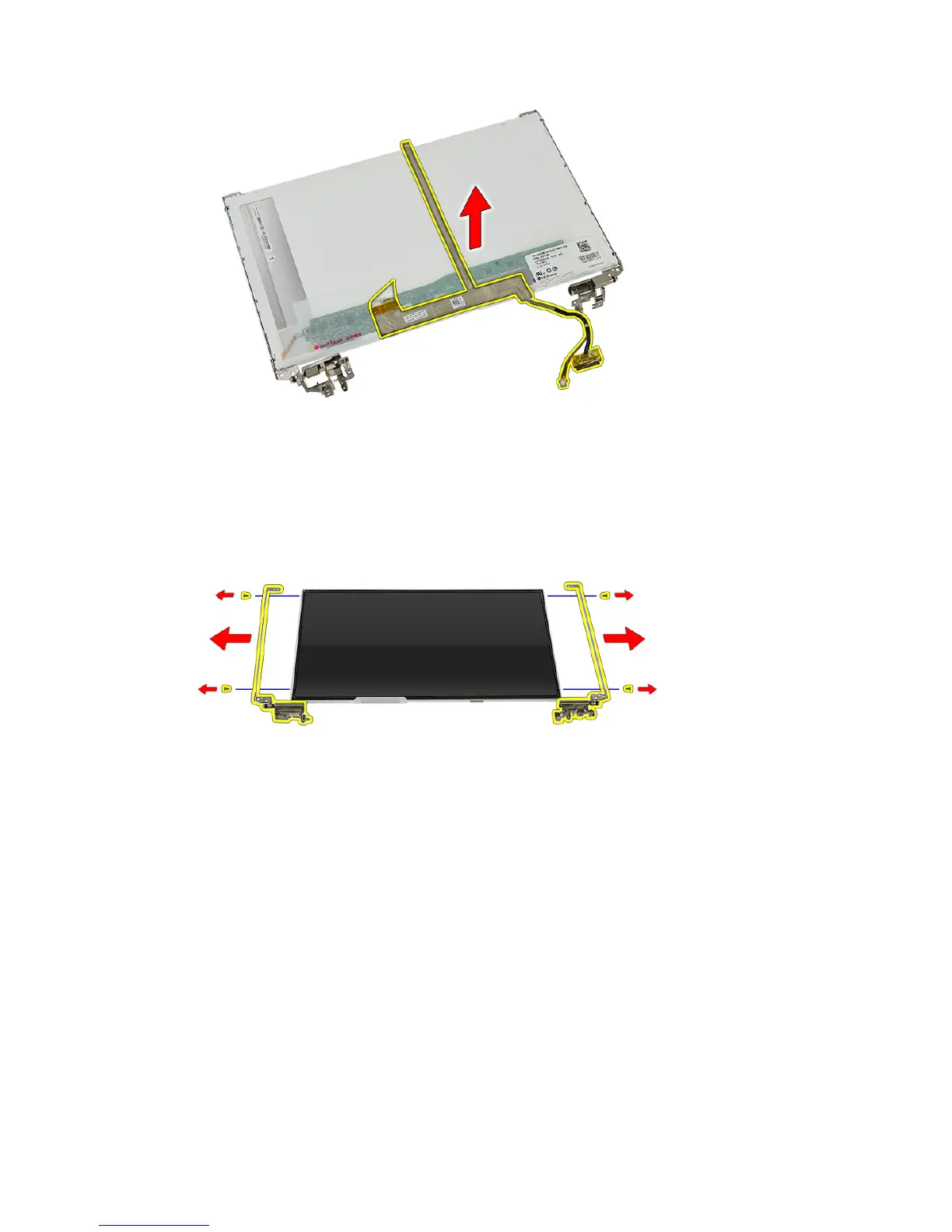
19. Peel off and remove the display cable.
20. Remove the screws that secure the display brackets and hinges to the
display panel.
Installing The Display Brackets, Hinges and Panel
1. Tighten the screws to secure the display brackets and hinges to the display
panel.
2. Affix the display cable to the back of the display panel
3. Secure the cables through the left hinge.
4. Tighten the screws to secure the display brackets and hinges to the display
assembly.
5. Secure the antenna cable to the right hinge.
6. Install the
display camera
.
84














 To Next Page