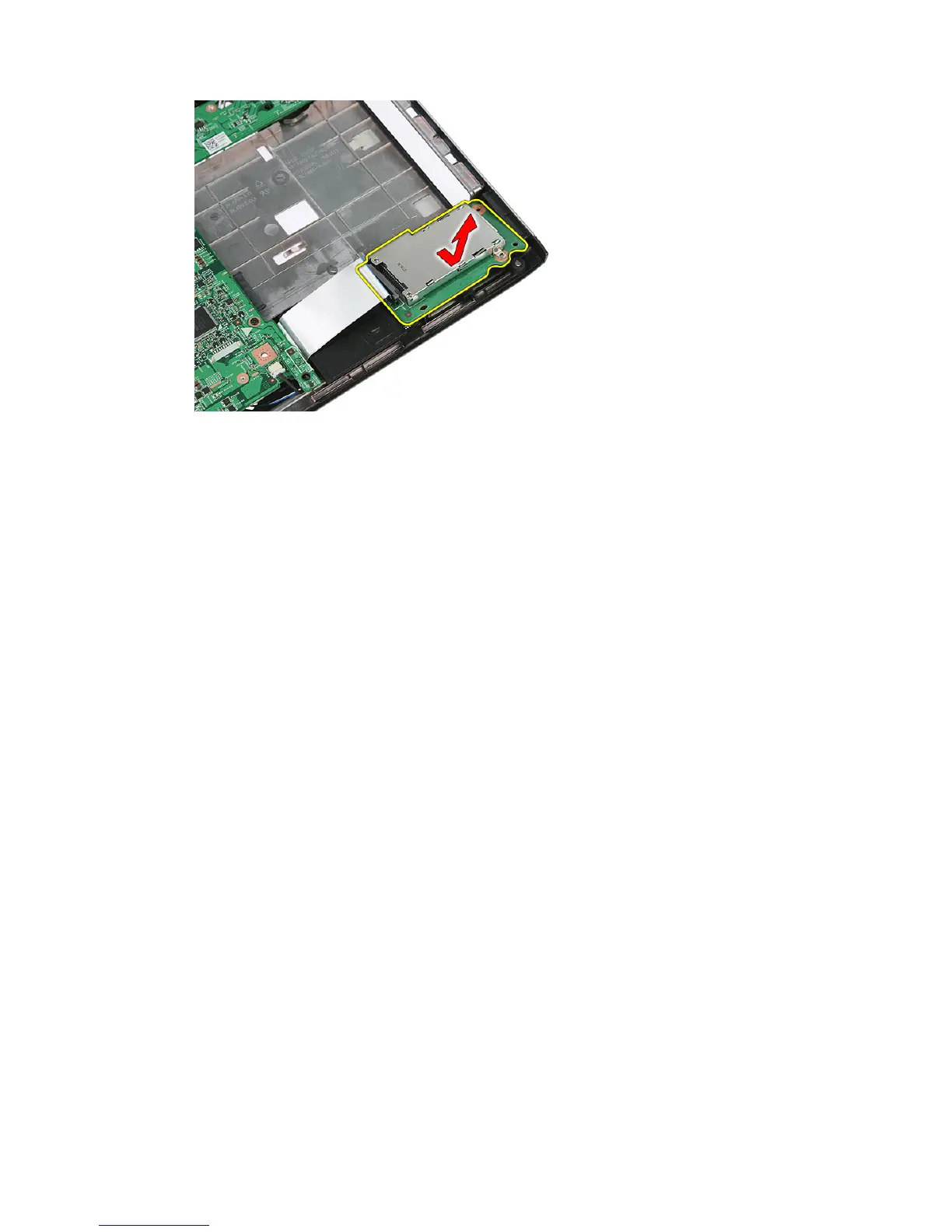
11. Lift up the ExpressCard board at an angle and remove.
Installing The ExpressCard Board
1. Install the ExpressCard board on the slot.
2. Secure the latch to the ExpressCard board.
3. Tighten the ExpressCard board to the system board.
4. Connect the ExpressCard board cable to the system board.
5. Press the securing clip to secure the ExpressCard board.
6. Install the
palm rest
.
7. Install the
keyboard
.
8. Install the
access panel
.
9. Install the
express card
.
10. Install the
battery
.
11. Follow the procedures in
After Working Inside Your Computer
.
29














 To Next Page